


Best Prebuilt Gaming PC for Students in 2026: Ranked
Best prebuilt gaming PC for students in 2026: the AMD Ryzen 7 5700G Gaming Desktop wins on overall value, the GMKtec NucBox M6 wins for tight dorm desks, and the Intel Core i7 Gaming PC with GTX 1660 Super wins for the smallest budget.
- The AMD Ryzen 7 5700G Gaming Desktop is the best prebuilt gaming PC for students in 2026 overall.
- The Intel Core i7 Gaming PC with GTX 1660 Super is the pick for the tightest budget.
- The GMKtec NucBox M6 fits dorm desks a full tower can't.
- The Element Pro Gaming PC with an RTX 5070 handles streaming and video editing on the side.
- The ROG Strix Gaming Desktop with an RTX 3050 covers competitive esports titles at high frame rates.
Why this matters
A student buying a first gaming PC in 2026 is juggling three constraints at once: a fixed budget, a desk that might be six feet wide, and zero time to troubleshoot a build between classes. Prebuilt desktops solve all three because the parts already ship matched and tested.
The AMD Ryzen 7 5700G Gaming Desktop is the clearest example of that logic. 16GB of RAM and a 1TB SSD cover coursework and a full game library without a second purchase later. That single-box simplicity separates a good student PC from a good gaming PC built for someone with a garage and a free weekend.
Every pick below gets ranked on the same criteria, not just raw benchmark numbers. A PC that scores well on a spec sheet but doesn't fit a dorm desk or a shared power strip isn't the best prebuilt gaming PC for students in 2026 — it's just a PC.
What makes the best prebuilt gaming PC for students
- CPU and GPU balance — matched enough that neither part bottlenecks the other in the games students actually play
- RAM and storage headroom — enough to run a browser, a Discord call, and a game at once without swapping to disk
- Physical footprint — small enough for a shared dorm desk, not a full tower eating the only outlet strip
- Value per dollar — performance matched to what a student needs, not enterprise-grade excess
- Setup time — a box that works the day it arrives, no BIOS troubleshooting between classes
- Upgrade path — RAM slots and drive bays that let a student add capacity later instead of replacing the whole machine
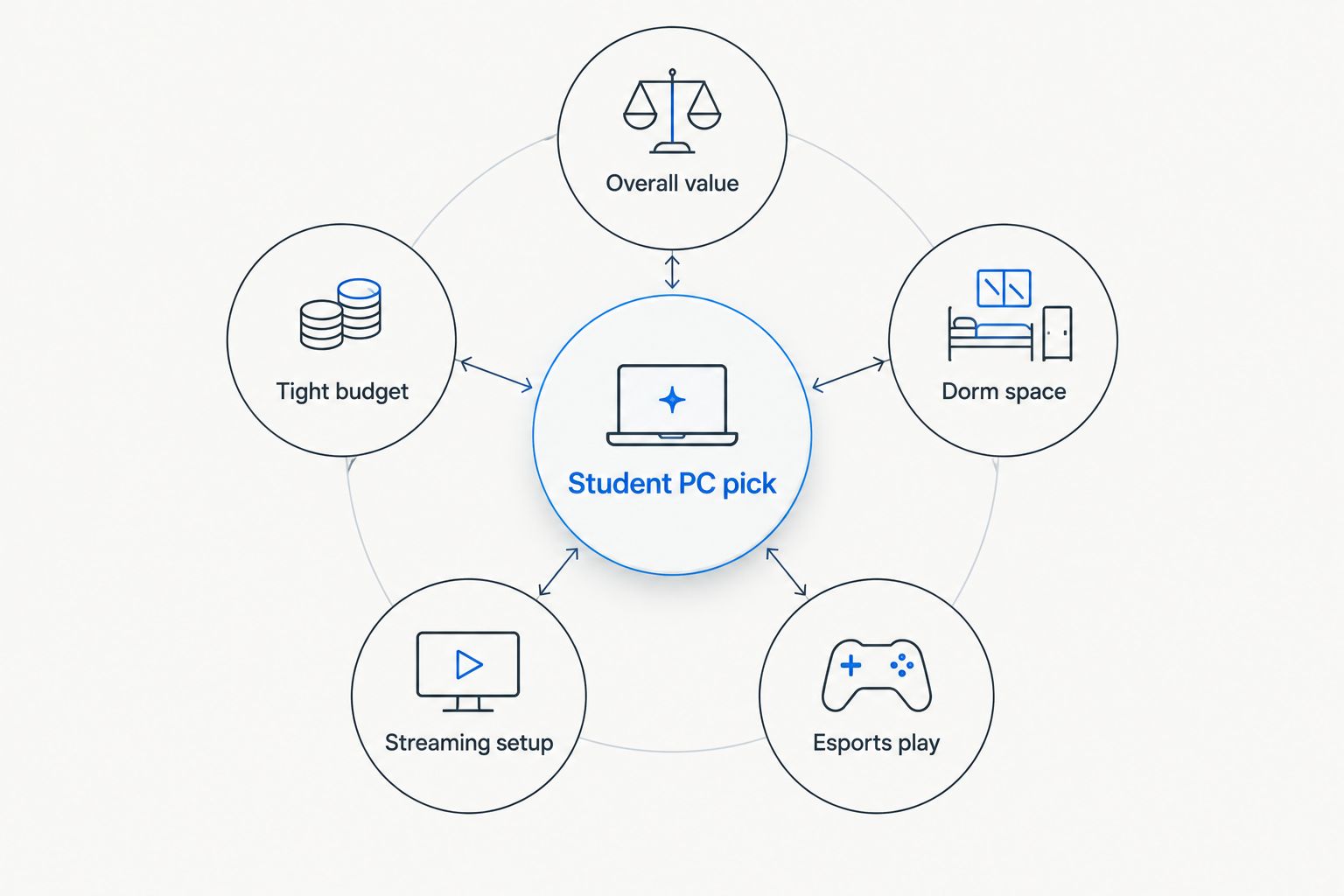
Best prebuilt gaming PCs for students in 2026 at a glance
| Pick | Best for | Standout feature | Key limitation |
|---|---|---|---|
| AMD Ryzen 7 5700G Gaming Desktop | Best overall for students | 16GB RAM and 1TB SSD in one box | Integrated Radeon graphics cap frame rates in demanding AAA titles |
| Intel Core i7 Gaming PC | Best budget pick | Dedicated GTX 1660 Super in a compact case | 512GB SSD fills up fast with modern game installs |
| GMKtec NucBox M6 | Best for dorm space | Sits behind a monitor, runs on laptop-level power | Ryzen 5 7640HS relies on integrated graphics only |
| Element Pro Gaming PC | Best for streaming and editing | RTX 5070 handles encoding and gaming at the same time | Full-size tower and power draw are a lot for a shared dorm outlet |
| ROG Strix Gaming Desktop | Best for competitive esports | RTX 3050 pushes high frame rates in esports titles | 8GB RAM is tight for alt-tabbing into study apps mid-match |
1. AMD Ryzen 7 5700G Gaming Desktop: best prebuilt gaming PC for students overall
This desktop pairs an 8-core Ryzen 7 5700G with 16GB of RAM and a 1TB SSD, running Windows 11 out of the box. The integrated Radeon graphics inside the 5700G handle esports titles and older AAA games at 1080p without a separate graphics card taking up space or budget.
AMD Ryzen 7 5700G Gaming Desktop pros:
- 16GB RAM handles browser tabs, Discord, and a game running together
- 1TB SSD holds a real game library plus course files
- No discrete GPU to overheat in a poorly ventilated dorm room
- Windows 11 ready on arrival, no setup weekend needed
AMD Ryzen 7 5700G Gaming Desktop cons:
- Integrated graphics fall behind a dedicated GPU in newer AAA titles at high settings
- No dedicated video RAM means heavier games need lowered settings
Best for: the student who wants one machine that covers classes and casual-to-mid gaming without a second purchase.
Verdict: Buy.
2. Intel Core i7 Gaming PC: best prebuilt gaming PC for students on a tight budget
This build runs an Intel Core i7 processor with a dedicated GTX 1660 Super and 16GB of RAM, backed by a 512GB SSD. It's the cheapest way onto this list to get a real discrete GPU instead of relying on integrated graphics.
Intel Core i7 Gaming PC pros:
- Dedicated GTX 1660 Super outperforms integrated graphics in current games
- 16GB RAM matches pricier picks on this list
- Compact enough for a standard dorm desk
Intel Core i7 Gaming PC cons:
- 512GB SSD fills up quickly once a few AAA titles and course software are installed
- GTX 1660 Super is aging against 2026's newer mid-range GPUs
Best for: students who need a real GPU and can't stretch the budget any higher.
Verdict: Buy.
3. GMKtec NucBox M6: best prebuilt gaming PC for students with limited desk space
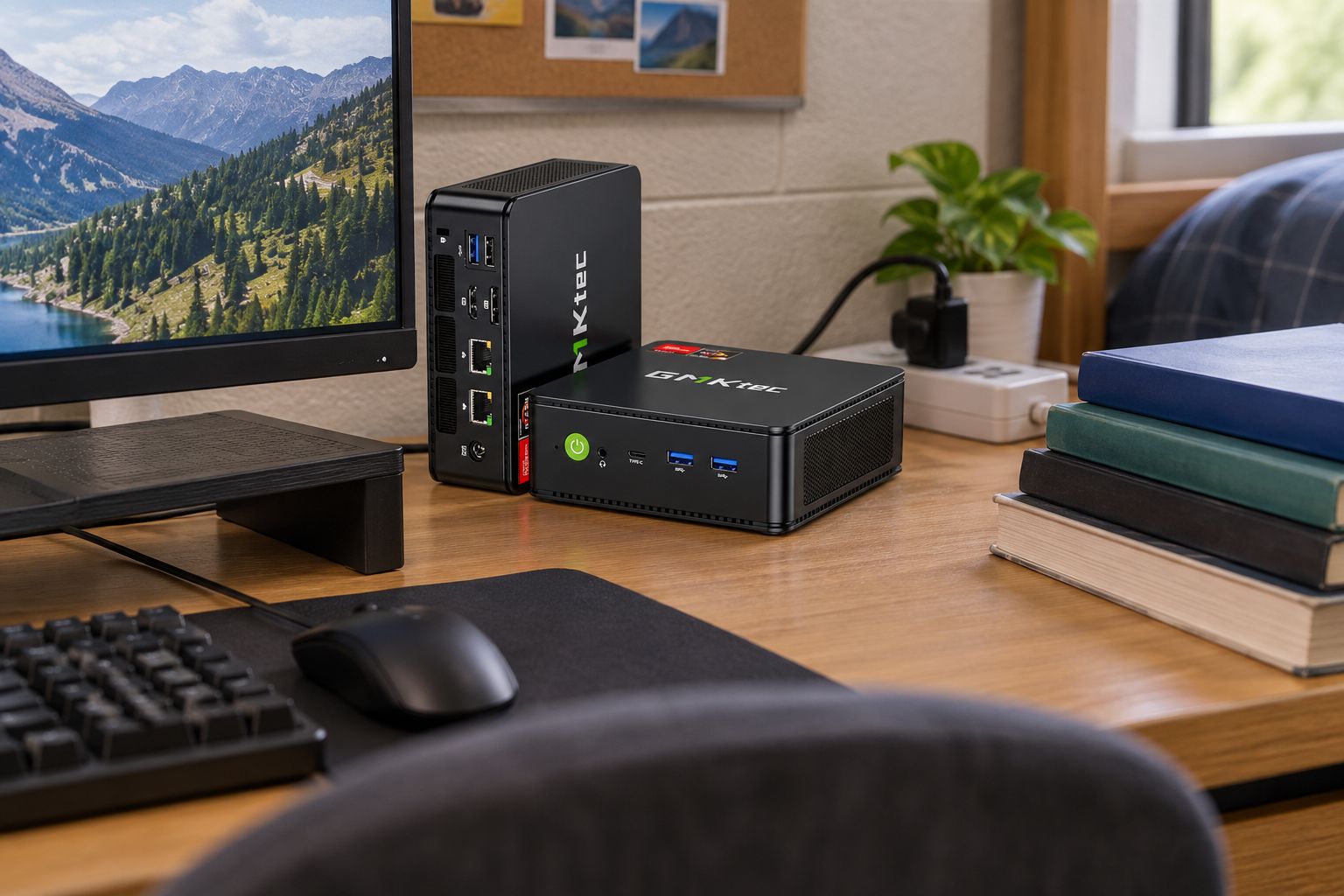
The NucBox M6 packs an AMD Ryzen 5 7640HS, 16GB of RAM, and a 1TB SSD into a case small enough to sit behind a monitor stand. It runs on integrated graphics, trading raw gaming power for a footprint that barely takes up desk space.
GMKtec NucBox M6 pros:
- Small enough to disappear behind a monitor or on a shelf
- 1TB SSD and 16GB RAM match or beat larger towers on this list
- Lower power draw than a full desktop tower
GMKtec NucBox M6 cons:
- Integrated graphics limit frame rates in newer AAA titles
- No room inside the case for a future discrete GPU upgrade
Best for: students in shared rooms or small dorms where desk space is the real constraint, not raw frame rate.
Verdict: Buy for the space-limited setup, Skip if you need max frame rates in current AAA titles.
4. Element Pro Gaming PC: best prebuilt gaming PC for students who stream or edit video
Built around a Ryzen 7 7800X3D and an RTX 5070 with 16GB of DDR5 RAM and a 1TB NVMe SSD, this is the most capable machine on this list. It handles gaming, video encoding, and multitasking between the two without slowing down.
Element Pro Gaming PC pros:
- RTX 5070 handles gaming and stream encoding running together
- DDR5 RAM and NVMe storage move faster than the DDR4 builds on this list
- Headroom for demanding coursework software like video editing suites
Element Pro Gaming PC cons:
- Full tower size takes up more desk space than every other pick here
- Power draw is higher, worth checking against a dorm's shared circuit
Best for: the student running a stream, a YouTube channel, or heavy editing work alongside classes.
Verdict: Buy if the side hustle justifies the size, Hold if gaming alone is the goal.
5. ROG Strix Gaming Desktop: best prebuilt gaming PC for students playing competitive esports
This build runs an Intel Core i5-11400F with an RTX 3050 and 8GB of RAM. The RTX 3050 is enough GPU to push high frame rates in esports titles like competitive shooters and MOBAs, which matter more for that genre than raw RAM.
ROG Strix Gaming Desktop pros:
- RTX 3050 delivers high frame rates in lighter esports titles
- Dedicated GPU beats every integrated-graphics pick on this list for competitive games
- Compact ROG case fits most dorm desks
ROG Strix Gaming Desktop cons:
- 8GB RAM is tight once a browser, Discord, and study apps run alongside the game
- Less headroom than the 16GB builds for anything beyond esports titles
Best for: students focused on one or two competitive titles who don't need much multitasking RAM.
Verdict: Buy for esports-only use, Hold if you also need multitasking headroom.


How we ranked these picks
Every pick above got measured against the same six criteria: CPU/GPU balance, RAM and storage headroom, physical footprint, value per dollar, setup time, and upgrade path. None of the five wins across every category — that's the point. A dorm room with six feet of desk space needs a different machine than a student running a stream between classes in 2026.
Which prebuilt gaming PC should a student buy in 2026?
Default to the AMD Ryzen 7 5700G Gaming Desktop if you're not sure which category you fall into — it covers coursework and casual-to-mid gaming without forcing a second purchase later. Swap to the Intel Core i7 Gaming PC with GTX 1660 Super if budget is the tightest constraint, the GMKtec NucBox M6 if desk space is the tightest constraint, and the Element Pro Gaming PC if gaming shares time with streaming or editing work. Students chasing ranked ladders in one or two esports titles get the most value from the ROG Strix Gaming Desktop.
FAQ
What's the best prebuilt gaming PC for students in 2026?
The AMD Ryzen 7 5700G Gaming Desktop is the best overall pick for students in 2026 because its 16GB RAM and 1TB SSD cover coursework and gaming in one box. Students on a tighter budget or with less desk space should check the Intel Core i7 Gaming PC or the GMKtec NucBox M6 instead.
Is a prebuilt gaming PC better than building one for a student?
A prebuilt gaming PC arrives tested and ready on day one, which matters more than saving a small amount by self-building when a student has no time to troubleshoot. Building saves money mainly when parts are already on hand or heavily discounted.
How much RAM does a student gaming PC need in 2026?
16GB is the practical minimum for running a browser, Discord, and a modern game at once without stuttering. 8GB, like the ROG Strix Gaming Desktop carries, works fine for lighter esports titles but gets tight with heavy multitasking.
Can a mini gaming PC handle triple-A games?
A mini PC running integrated graphics, like the GMKtec NucBox M6, handles esports titles and older AAA games at 1080p but falls behind a dedicated GPU in the newest AAA releases. It trades top-end frame rates for a footprint that fits behind a monitor.
Is integrated graphics enough for esports titles?
Yes, integrated graphics on chips like the Ryzen 7 5700G or Ryzen 5 7640HS run lighter esports titles at playable frame rates. A dedicated GPU only pulls ahead once a game demands more video memory than an integrated chip carries.
Should a student buy a gaming laptop or desktop?
A desktop gets more performance per dollar and is easier to upgrade later, while a laptop wins on portability between dorm and home. For a fixed desk setup, a compact prebuilt desktop like the GMKtec NucBox M6 gets more gaming power for the same footprint as a laptop.
What's the difference between the GTX 1660 Super and RTX 3050 for gaming?
The RTX 3050 in the ROG Strix Gaming Desktop is the newer of the two and pushes higher frame rates in esports titles, while the GTX 1660 Super in the Intel Core i7 Gaming PC still handles most current games at 1080p. Both are budget-tier discrete GPUs rather than high-end cards.
One last thing
Integrated graphics get dismissed too fast in gaming PC comparisons. The Ryzen 7 5700G's integrated Radeon graphics and the GMKtec NucBox M6's Ryzen 5 7640HS both run current esports titles and older AAA games at playable settings — a dedicated GPU only pulls ahead once a game demands more video memory than an integrated chip carries. For a student splitting a budget between a gaming PC and everything else move-in requires, that's real money saved without a real drop in day-to-day gaming in 2026.


