


Best Prebuilt Gaming PC for Esports Teams in 2026
A prebuilt gaming pc for esports teams in 2026 is a pre-configured desktop tuned to hit consistent, tournament-legal frame rates across an entire roster, not just one player's rig. Esports rosters need identical or near-identical builds so scrim results reflect skill instead of hardware gaps, and they need parts that hold up through daily practice blocks instead of weekend sessions.
- A Ryzen 7 7800X3D + RTX 5070 desktop handles CS2, Valorant, and League at competitive frame rates in 2026 for starting lineups.
- Match every competitive seat's monitor to at least 144Hz; anything lower undercuts the CPU and GPU you paid for.
- Budget-tier desktops like the Ryzen 7 5700G build cover analyst and content seats without draining the roster budget.
- Skip mismatched GPUs across the roster; frame-pacing gaps show up in scrim VOD review before they show up in the scoreboard.
Why prebuilt gaming pc for esports teams matters
Esports teams don't buy one PC — they buy a fleet. A roster of five starters, two subs, and an analyst needs seven-plus machines that behave the same way under load, or scrim results start reflecting hardware instead of aim.
Roster consistency is the real case for a prebuilt gaming pc for esports teams over a custom-built one. A prebuilt skips the trial-and-error of picking compatible parts seven times over, and every seat runs the same driver stack out of the box. Gaming and More stocks desktop tiers built around exactly this problem — starter rigs, backup rigs, and travel rigs that share the same core specs.
In 2026, teams that mix GPU generations across the roster see frame-time variance that shows up in VOD review. A starter running 240fps and a sub capped at 90fps are playing a different game, even on the same title and settings.
Build the right prebuilt gaming PC for your roster
Six moves separate a team that buys smart from a team that just buys expensive.
Standardize the roster's hardware baseline
Before any purchase, audit what every player currently runs — the free, manual way. Log each seat's CPU, GPU, RAM, and monitor refresh rate in a shared sheet before spending anything.
- Record CPU, GPU, RAM, and storage for every current seat
- Flag any machine below a 144Hz monitor or a 6-core CPU
- Set one minimum GPU tier the whole roster must clear
- Decide whether subs and analysts get the same tier as starters
- Note which seats need travel-ready builds for LAN events
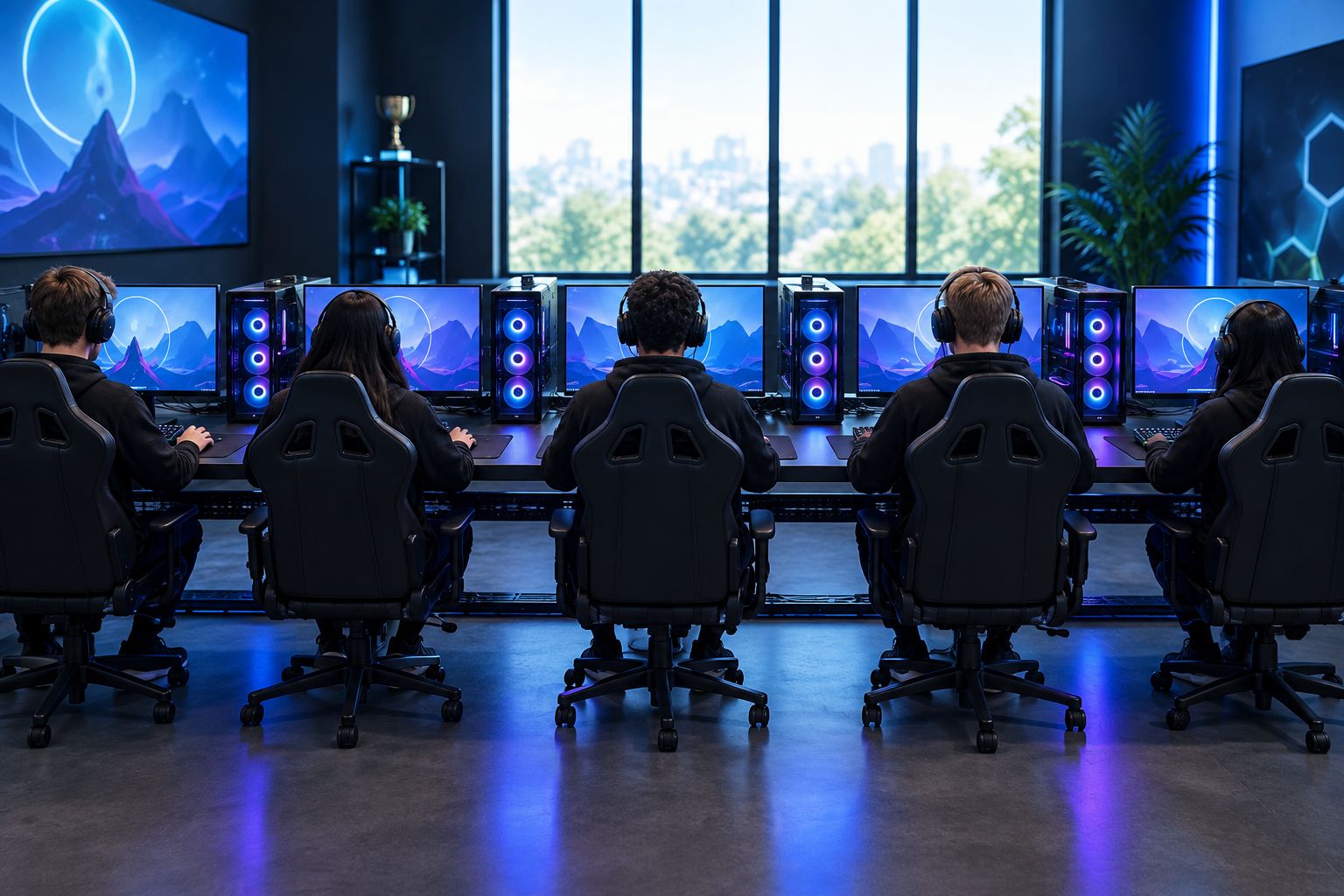
Set a per-seat budget before you shop
Split spending into tiers before browsing anything, or the budget gets eaten by whichever spec looks flashiest first.
- Split budget into starter rigs, backup rigs, and peripherals separately
- Reserve one spare desktop as an in-house backup unit
- Decide whether analysts need a dedicated GPU or can run integrated graphics
- Factor shipping timing if the team is buying ahead of a LAN date
- Get sign-off from whoever controls the org's gear budget before ordering
Match the GPU and CPU to your competitive title
Check the title's own spec sheet before matching hardware to it — most competitive shooters are lighter on GPU load than people assume.
- Check the title's minimum and recommended GPU spec before buying anything
- Weigh single-core clock speed for CS2 and Valorant over raw core count
- Size the GPU to your target resolution, not just the game itself
- Confirm the build supports the refresh rate your monitors actually run
- Cross-check RAM speed against the game's listed minimum
In 2026, CS2 and Valorant still reward high single-core clock speed more than core count, while higher-resolution titles lean harder on the GPU. The faster path skips the spec-matching entirely: Gaming and More's Ryzen 7 7800X3D RTX 5070 desktop pairs a high-clock 8-core CPU with a current-generation GPU, which covers CS2, Valorant, and League without a mid-season upgrade.
Match the monitor to the game's competitive ceiling
A monitor running below 144Hz undercuts a high-end desktop instantly, no matter how good the CPU inside it is.
- Set a 144Hz floor for any competitive seat, 165Hz where the budget allows
- Match panel size across the roster so peripheral vision cues stay consistent
- Pick low input-lag panels over high-resolution ones for fast-paced shooters
- Standardize adaptive sync (FreeSync or G-Sync) across every monitor
- Keep bezels and stands consistent for LAN booth setups
A curved 24-inch panel rated to 165Hz matches the CPU headroom on the higher-tier desktops in this lineup, which is the point — the monitor shouldn't be the bottleneck on a build that clears 200fps.
Lock peripherals for roster-wide consistency
Muscle memory transfers between subs and starters only when the gear underneath it doesn't change.
- Standardize mouse sensor and polling rate across starters
- Pick one keyboard switch type so muscle memory carries between subs
- Match headset audio profiles so callouts sound identical seat to seat
- Keep a spare peripheral kit in the travel case for LAN days
- Label cables and ports the same way on every desktop
A wireless RGB gaming mouse and a compact hot-swap keyboard cover most competitive needs; the point isn't the specific model, it's that every seat runs the same one.
Plan RAM, storage, and backup for scrims and VOD review
Sixteen gigabytes of RAM covers most competitive titles solo, but add Discord, OBS, and a browser for scouting and that headroom disappears fast.
- Budget at least 16GB DDR4 for solo play, 32GB if OBS runs during scrims
- Keep a dedicated SSD for VOD storage separate from the OS drive
- Back up scrim footage to external storage on a weekly basis
- Check RAM speed matches the CPU's supported range, 3000MHz or higher
- Plan a RAM upgrade path instead of maxing out slots on day one
A 16GB DDR4 3000MHz RAM kit is the cheapest seat-by-seat upgrade if a build ships lighter than the roster needs.
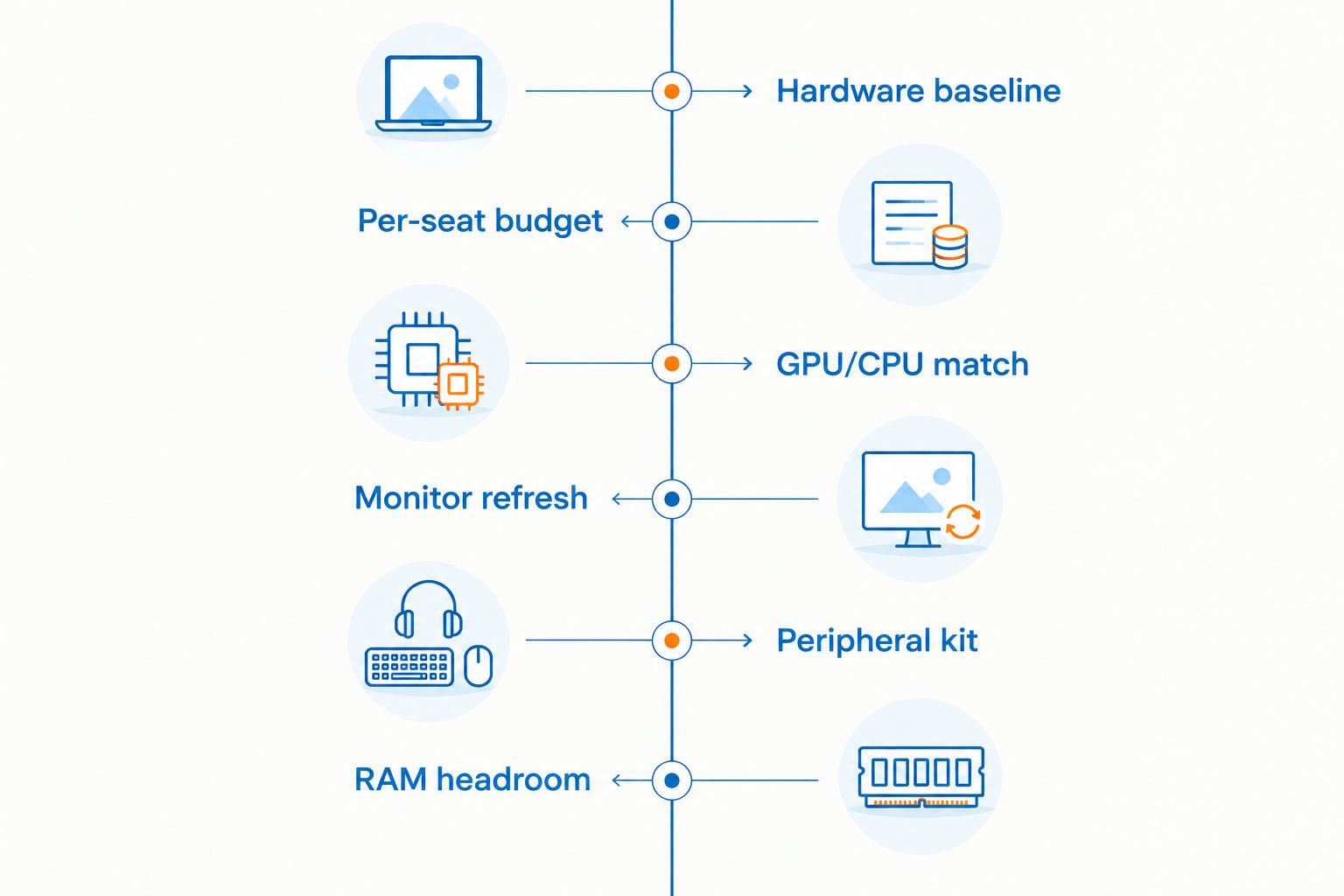
Prebuilt gaming PC options for esports teams compared
Here's how the current 2026 lineup breaks down by build type, without picking one flagship and calling it done.
| Build type | Best for | Key limitation | Verdict |
|---|---|---|---|
| Entry-level i5 / RTX 3050 desktop | Bench players, LAN backups | Struggles above 1080p high settings in newer titles | Hold |
| Ryzen 7 5700G integrated desktop | Analyst and content seats | No dedicated GPU, caps out on GPU-bound titles | Hold |
| Ryzen 7 7800X3D + RTX 5070 desktop | Starting five's main competition rigs | Highest power draw in the lineup, needs solid airflow | Buy |
| Compact Ryzen 5 5500 + RTX 5060 Ti mini desktop | LAN travel and compact team houses | Less internal upgrade room than a full tower | Buy |
| i7-11700F + GTX 1660 Super desktop | Backup or streaming seat, not starting lineup | GTX 1660 Super lags at high refresh rates | Skip |
Where these tiers land in Gaming and More's current lineup, with tested-and-shipped specs:


Common mistakes esports teams make buying prebuilt PCs
- Buying one flagship desktop and stretching the rest of the roster with hand-me-downs. Frame-time gaps between seats show up in scrim VODs before they show up in match results.
- Skipping the monitor budget after spending it all on the tower. A 7800X3D desktop paired with a 60Hz monitor throws away the CPU's headroom.
- Ignoring travel durability for LAN events. A desktop that ships fine once still needs a hard case and a cable plan for the second and third trip.
- Treating analyst and content seats the same as starter seats. Those roles rarely need a dedicated high-end GPU and often run fine on integrated graphics.
- Forgetting a spare unit. A dead PSU on match day with no backup desktop costs more than the backup would have. Gaming and More ships several tiers built exactly for this split between starter and backup seats.
FAQ
What's the best prebuilt gaming PC for esports teams in 2026?
The Ryzen 7 7800X3D and RTX 5070 desktop is the best prebuilt gaming pc for esports teams in 2026 for starting lineups, since it clears 144Hz-plus frame rates in CS2, Valorant, and League without a mid-season GPU swap. Backup and analyst seats can run a lower Ryzen 7 5700G or i7-11700F tier instead.
Is a prebuilt gaming PC better than building one for a team?
For teams, yes - a prebuilt gaming pc for esports teams gets every seat running the same components and drivers out of the box, which matters more than a marginal price difference on custom parts. Building seven identical PCs by hand multiplies the chance of mismatched components across the roster.
How many PCs does an esports team actually need?
Most five-player rosters need seven to nine machines: five starters, two to three subs, and a spare backup unit. Analysts and content staff can often share a lower-tier desktop instead of a full competition rig.
Do esports teams need the same PC for every player?
Starters need matching GPU and CPU tiers so frame rates stay consistent across the roster, but subs and analysts can run a step-down tier without hurting practice quality. What matters is that every starter clears the same frame-rate floor.
What GPU do competitive esports titles actually need in 2026?
CS2 and Valorant run well on mid-tier GPUs paired with a fast CPU, while battle royale and higher-resolution titles need a stronger card like the RTX 5070 to hold 144fps at 1440p. Check the title's own recommended spec before matching a GPU to the roster.
Should esports teams buy laptops or desktops?
Desktops win for home practice rooms because they run cooler and cost less per frame rate than a laptop at the same tier. Laptops make sense only for travel rosters that need a build that packs down for LAN events.
How much RAM does a competitive gaming PC need in 2026?
16GB of DDR4 covers most competitive titles running solo, but 32GB is worth the jump once Discord, OBS, and a browser run alongside the game during scrims. RAM speed matters too - 3000MHz or higher keeps pace with current CPUs.
Can a mini PC work for a travel roster?
A compact desktop like a Ryzen 5 5500 and RTX 5060 Ti mini build works for travel rosters that need to pack down for LAN events, trading some upgrade headroom for size. It's not the right call for a team's primary practice rig.
One last thing
The cheapest way to raise a five-person roster's average frame rate in 2026 isn't a new GPU generation — it's matching every monitor to 144Hz or higher first. A 90fps average on a 60Hz panel plays worse than a 60fps average on a 144Hz panel, and swapping monitors costs less than swapping towers.


