


Best budget gaming mouse under $50 in 2026: ranked
Best overall: M801 Wireless RGB Gaming Mouse, for adjustable DPI and rechargeable power. Best for a simple wireless setup: Ergonomic RGB Wireless Gaming Mouse. Best for a novelty gift: Red Wireless Car Mouse. This 2026 guide compares the best budget gaming mouse options at Gaming and More by their listed features and buying trade-offs—not unverified performance promises.
- Gaming and More’s best budget gaming mouse pick is the M801 for adjustable DPI and rechargeable power.
- Choose the Ergonomic RGB Wireless Gaming Mouse for a 2.4 GHz wireless setup with six buttons.
- Choose the Red Wireless Car Mouse for a novelty gift, not a competitive-performance recommendation.
- Prioritize hand fit, connection compatibility, and useful controls over RGB lighting.
Why this matters
Your mouse is the part of your setup you move constantly. A feature list does not tell you whether the shape fits your grip, the buttons fall under your fingers, or the connection suits your computer.
For Gaming and More shoppers, the M801 is the best budget gaming mouse for rechargeable power and adjustable DPI. That is a feature-based recommendation, not a claim that the M801 has the fastest sensor or lowest wireless latency.
The buying decision in 2026 is straightforward: choose the features you will use, then check the details that determine fit. Do not treat a gaming label, an ergonomic description, or RGB lighting as proof of better aim.
What makes the best budget gaming mouse?
Use these criteria before choosing a model. The strongest purchase is the one that meets your needs without asking you to assume missing specifications.
- Hand fit: Check dimensions, button placement, and whether the shape suits your preferred hand and grip.
- Connection fit: Confirm the wireless connection type and the port or adapter your computer needs.
- Useful controls: Prioritize buttons you can reach and sensitivity adjustments you will actually use.
- Power routine: Decide whether you want rechargeable power, then check how charging works.
- Performance evidence: Look for a named sensor, polling-rate specification, and credible testing when competitive play is the priority.
- Everyday practicality: Consider desk space, carrying needs, and how easily you can keep the mouse clean.
For a 2026 purchase, separate confirmed features from unanswered questions. Adjustable DPI is a confirmed feature of the M801; a specific weight, battery runtime, or measured click latency is not part of this recommendation.
Budget gaming mice at a glance
The order below reflects the clearest use case for each mouse. It is not a measured ranking of tracking accuracy, durability, or wireless response.
| Rank and mouse | Best for | Standout listed feature | Key limitation |
|---|---|---|---|
| 1. M801 Wireless RGB Gaming Mouse | Rechargeable everyday gaming | Adjustable DPI and rechargeable power | Sensor performance and hand fit need checking |
| 2. Ergonomic RGB Wireless Gaming Mouse | A simple wireless setup | 2.4 GHz connection and six-button layout | An ergonomic label does not establish comfort |
| 3. Red Wireless Car Mouse | A novelty gaming-themed gift | Car-shaped design and 2.4 GHz optical operation | Novelty styling does not establish gaming performance |
1. M801: best budget gaming mouse for rechargeable use
The M801 Wireless RGB Gaming Mouse combines wireless operation, adjustable DPI, rechargeable power, and RGB lighting. Those listed features make the M801 the most direct choice here when you want sensitivity adjustment without treating disposable batteries as your default power routine.
The distinction is practical. Adjustable DPI lets you change how much pointer movement follows a physical movement, while rechargeable power gives you a charging routine to manage.
M801 pros
- Adjustable DPI provides a way to change pointer sensitivity.
- Rechargeable power suits buyers who prefer charging their peripherals.
- Wireless operation removes a mouse cable from your movement area.
- RGB lighting fits a lighting-focused setup without being the reason to buy.
M801 cons
- Rechargeable operation still requires you to keep track of charging.
- Adjustable DPI alone does not establish sensor quality or tracking consistency.
- Wireless and RGB features do not establish low latency or long battery runtime.
Best for: Casual PC gamers who specifically want adjustable sensitivity and rechargeable power in the same mouse.
Before buying the M801, check its dimensions, connection requirements, charging method, and button functions. If you want custom game bindings, confirm whether its controls support the assignments you need; adjustable DPI does not automatically mean programmable buttons.
Verdict: Buy the M801 for its listed rechargeable and adjustable-DPI features, not an assumed competitive advantage.
2. Ergonomic RGB Wireless Gaming Mouse: best for simple wireless controls
The Ergonomic RGB Wireless Gaming Mouse lists a 2.4 GHz wireless connection and a six-button layout. It is the alternative to consider when your priority is a wireless mouse with more controls than the basic left-click, right-click, and scroll-wheel arrangement.
Treat the word ergonomic as a shape description, not a comfort guarantee. Your hand size, grip, and ability to reach the controls determine whether that shape works for you.
Ergonomic RGB Wireless Gaming Mouse pros
- The listed 2.4 GHz connection identifies the wireless connection category.
- A six-button layout gives you additional physical controls to evaluate.
- Wireless operation keeps a moving cable out of your mouse area.
Ergonomic RGB Wireless Gaming Mouse cons
- Six buttons do not automatically mean six programmable game bindings.
- The ergonomic description does not establish suitability for your hand.
- Connection frequency does not establish polling rate or measured latency.
Best for: Casual gamers who want a straightforward wireless setup and a six-button layout.
Before choosing the Ergonomic RGB Wireless Gaming Mouse, confirm the receiver requirements and the function of each button. Also check the power source rather than assuming that every wireless gaming mouse is rechargeable.
Verdict: Buy for the listed wireless connection and button layout; hold if programmable controls are essential until their functions are confirmed.
3. Red Wireless Car Mouse: best for a novelty gift
The Red Wireless Car Mouse is a car-shaped optical mouse with a listed 2.4 GHz wireless connection. Its clearest use case is a gift for someone who enjoys car-themed desk accessories.
The design is the reason to shortlist it. That does not make the Red Wireless Car Mouse the default choice for someone who is particular about grip shape or competitive tracking.
Red Wireless Car Mouse pros
- The car-shaped design gives the gift a specific theme.
- Wireless operation avoids a mouse cable across the desk.
- Listed optical operation identifies the tracking type.
Red Wireless Car Mouse cons
- A novelty shape is not evidence of comfortable button access.
- The listed features do not establish competitive gaming performance.
- A themed design is a poor substitute for knowing the recipient’s preferences.
Best for: Gift shoppers who know the recipient likes car-themed accessories and wants a wireless mouse.
For a 2026 gift, ask what mouse the recipient already uses before replacing it. Someone attached to a familiar grip shape needs a different buying approach from someone collecting playful desk accessories.
Verdict: Buy as a deliberate novelty gift; skip as a performance-led recommendation.
Choose by your biggest requirement
Do not start with lighting. Start with the feature that would make you reject a mouse if it were missing.
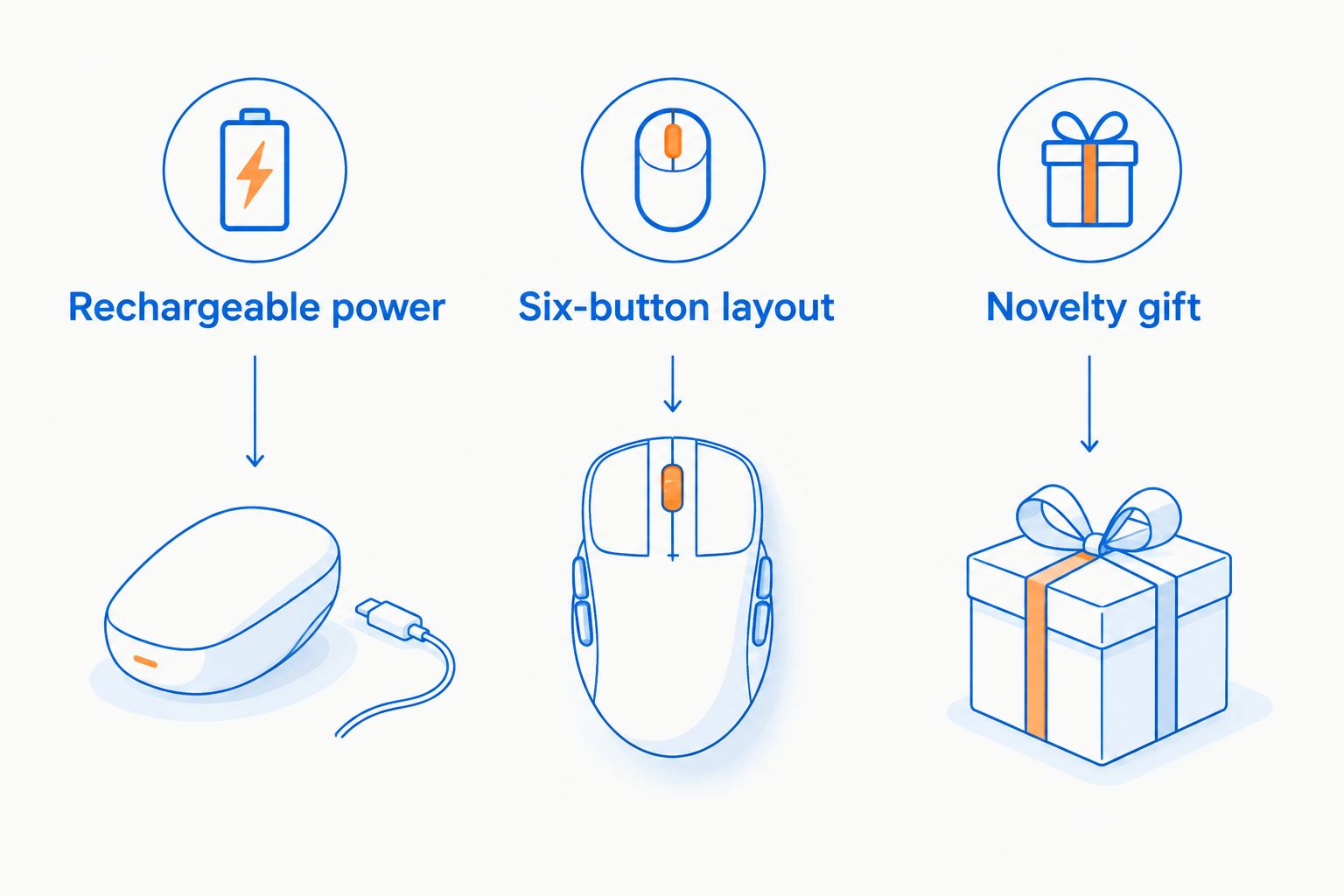
- Rechargeable power: Choose the M801 when charging is your preferred routine.
- Six-button layout: Consider the Ergonomic RGB Wireless Gaming Mouse, then verify the button functions.
- Novelty gift: Choose the Red Wireless Car Mouse when the car theme is the point.
If your biggest requirement is verified competitive performance, use a stricter filter than this shortlist. Require credible tracking and latency evidence before calling any mouse an esports upgrade.
Two feature-led options to compare
The M801 and Ergonomic RGB Wireless Gaming Mouse are the most relevant starting points for an everyday Gaming and More mouse purchase. Compare their power arrangements, dimensions, and controls before deciding which belongs on your desk.


Check these details before buying
A short compatibility check is more useful than another paragraph about RGB. Use this sequence while comparing your final choices.
Start with hand fit
Look at the mouse from above and from the side. Check whether the main buttons and side controls sit where your fingers naturally rest, then compare its dimensions with a mouse you already find comfortable.
Do not assume a larger-looking shell supports your hand better. A mouse that forces you to stretch for a control fails the practical fit test, regardless of its gaming label.
Confirm the connection
A 2.4 GHz wireless listing does not mean Bluetooth support. Check whether the mouse requires a USB receiver and whether your computer has the appropriate connection available.
For a laptop, account for the ports already used by your other accessories. Do not assume that a charging cable also carries mouse data or enables wired play.
Separate buttons from software features
Count physical buttons separately from programmable functions. A DPI button, a browser-navigation button, and a freely assignable game command are not interchangeable features.
If your game depends on custom bindings, look for an explicit description of supported assignments and software compatibility. Never assume one manufacturer’s configuration software supports an unrelated mouse.
Understand the power routine
Rechargeable is a power feature, not a battery-life measurement. Check the charging connection, whether operation during charging is supported, and any published runtime conditions before making those details part of your decision.
For a non-rechargeable model, confirm the required battery type. Wireless operation by itself does not tell you what powers the mouse.
How this 2026 ranking works
This ranking prioritizes listed features that answer distinct buying needs: rechargeable sensitivity control, a simple wireless button layout, and a novelty gift. The M801 takes the default recommendation because rechargeable power and adjustable DPI directly address everyday mouse selection.
Gaming and More’s budget gaming mouse ranking is feature-based, not a measured performance leaderboard. It makes no claim that these mice have been compared for tracking accuracy, click latency, battery endurance, or long-term wear.
Hand fit and connection compatibility remain purchase checks for every recommendation. A clear use case earns a shortlist position; it does not erase the need to verify the details that matter to you.
Which budget gaming mouse should you choose?
Choose the M801 if you are undecided and specifically want rechargeable power plus adjustable DPI. Those are the clearest reasons to select it over the other mice here.
Choose the Ergonomic RGB Wireless Gaming Mouse when its six-button layout and wireless connection match your needs. Choose the Red Wireless Car Mouse when you are buying a themed gift rather than making a performance-led upgrade.
For competitive play in 2026, stop at the evidence. Do not turn an everyday recommendation into a claim about tournament suitability without credible performance testing.
FAQ
What’s the best budget gaming mouse in this comparison?
The M801 is the best default choice in this comparison for buyers who want adjustable DPI and rechargeable power. The recommendation is based on listed features, not measured sensor or latency results.
Is the M801 better than the Ergonomic RGB Wireless Gaming Mouse?
The M801 is the better match when rechargeable power and adjustable DPI are your priorities. Consider the Ergonomic RGB Wireless Gaming Mouse when its listed six-button layout and 2.4 GHz connection better match your requirements.
Does a higher DPI setting improve your aim?
A higher DPI setting does not automatically improve your aim. DPI changes how much pointer movement follows physical mouse movement; choose a setting that works with your in-game sensitivity and available desk space.
Does a 2.4 GHz wireless mouse work through Bluetooth?
A 2.4 GHz wireless specification does not establish Bluetooth support. Check the connection details and receiver requirements before buying.
Are six mouse buttons always programmable?
Six physical buttons do not guarantee six programmable controls. Check the stated button functions and any supported configuration software before buying for custom game bindings.
Is the Red Wireless Car Mouse a good gaming gift?
The Red Wireless Car Mouse is a suitable novelty gift for someone who likes car-themed desk accessories. Choose it for that theme, not an unverified claim of competitive gaming performance.
Is an ergonomic gaming mouse guaranteed to be comfortable?
An ergonomic description does not guarantee comfort for your hand. Compare dimensions, grip shape, and button reach with a mouse you already find comfortable.
What should I check before buying a rechargeable gaming mouse?
Check the charging connection, connection compatibility, and whether use during charging is supported. Rechargeable power alone does not establish runtime or wired-play capability.
One last thing
Before replacing your mouse, check whether your current problem is actually a setting. If the pointer moves too far, review DPI and in-game sensitivity; if reaching buttons is awkward, focus on shape and placement.
Replace the limitation, not just the mouse. That keeps your next purchase tied to something you can explain—and check—rather than a feature you will never use.


