


Best Buy alternatives for gaming gear in 2026
Best Buy combines gaming gear with physical stores, but a general electronics retailer is not your only route to a better setup. The best Best Buy alternative in 2026 is Gaming and More if you want gaming gear and everyday setup upgrades in one online store; Micro Center if you want to shop for PC components in person.
- Among best buy alternatives for gaming gear, Gaming and More suits online shoppers buying peripherals, computers, and setup accessories.
- Micro Center is best for shoppers who want to compare PC components in a physical store.
- Newegg suits specification-led PC shopping; Amazon suits shoppers searching for an exact model across sellers.
- Keep Best Buy on your shortlist when seeing a product in person matters more than expanding your search.
Why this matters
A better retailer match starts with the purchase, not the store name. A mouse upgrade, a complete gaming PC, and a gift for a console player require different checks.
For your 2026 shortlist, separate product choice from shopping convenience. First establish what works with your setup. Then compare the retailer, seller, delivery terms, and return conditions for that exact item.
Gaming and More is best for gaming gear shoppers who want computers, peripherals, and everyday setup accessories in one online catalog. That makes it a useful starting point, not an automatic winner for every purchase.
Best Buy alternatives at a glance
| Retailer | Best for | Standout shopping feature | How it differs from Best Buy | Main trade-off |
|---|---|---|---|---|
| Best Buy | Comparing electronics in person | Physical electronics stores alongside online shopping | The benchmark for this comparison | A general electronics selection does not replace checking specialist options |
| Gaming and More | Online gaming and setup shopping | Gaming computers, accessories, merchandise, and everyday tech | A gaming-oriented online shopping route | You still need to verify fit, compatibility, and exact configurations |
| Micro Center | In-person PC component shopping | A computer-focused physical retail format | A more PC-focused store visit | The in-person advantage depends on reaching a store |
| Newegg | Comparing PC hardware specifications | Computer hardware categories and marketplace listings | A PC-focused online comparison route | Seller identity needs attention on marketplace listings |
| Amazon | Searching for an exact product model | Broad marketplace search across product categories | A wider marketplace shopping route | Similar-looking listings require careful model and seller checks |
These are shopping-fit recommendations for 2026, not a claim that one retailer wins every product comparison. Match the exact model before deciding that two listings offer the same thing.
1. Gaming and More: best for online setup upgrades
Gaming and More sells gaming computers, accessories, and game-related merchandise, alongside useful everyday tech. Start here when your shopping list crosses categories: a computer, a peripheral upgrade, and something practical for the desk.
For example, the M801 wireless RGB gaming mouse lists adjustable DPI and rechargeability in its product title. Those are useful selection details, but neither tells you whether the shape suits your grip. Keep the feature checklist separate from personal fit.
Where the store shines
- Mixed shopping lists: Computers, peripherals, and everyday accessories sit within the store's stated offering.
- Different buying goals: PC gamers, casual players, and gift shoppers can start from the product type they need.
- Worldwide shipping: The store describes its business as shipping worldwide; check the terms for your destination before ordering.
Where the store falls short
- Online descriptions cannot establish comfort: A mouse shape or keyboard layout still needs a fit check.
- A curated catalog is not every possible option: Do not assume your exact preferred model is included.
- Product names are not performance tests: A gaming label does not establish frame rates, cooling behavior, or compatibility with your games.
Head-to-head with Best Buy
| Dimension | Gaming and More | Best Buy |
|---|---|---|
| Shopping emphasis | Gaming gear and everyday setup tech | General consumer electronics, including gaming |
| Starting point | Online product selection | Online shopping or a physical store visit |
| Useful buying approach | Build a shortlist around your setup needs | Check local demonstrations when handling matters |
Best for: Online shoppers assembling a gaming-focused list across computers and accessories.
Verdict: Buy when the exact product fits your setup; hold when comfort or configuration questions remain.
Choose the upgrade before choosing the retailer
A retailer comparison is only useful once you know what you are trying to fix. Use these checks to keep your 2026 purchase focused.
Mouse fit
Choose around your grip, hand size, preferred connection, and button needs. Adjustable DPI changes sensitivity options; it does not prove that the sensor, weight, or shape suits your games.
For a gift, ask which mouse the recipient currently uses and what they dislike about it. That answer gives you a stronger brief than RGB lighting alone.
Keyboard layout
The K617 Fizz 60% RGB Compact Gaming Keyboard is a compact-layout option. A 60% keyboard changes how you access keys compared with a full-size board, so check the layout before choosing it for someone who uses a number pad or dedicated navigation keys.
Compact is a trade-off, not an upgrade by definition. Your work habits matter alongside your games.
Monitor match
The 25-inch gaming monitor listed in the catalog specifies a 165Hz refresh rate, 1ms response time, and AMD FreeSync. Treat these as listed specifications, not evidence that your computer will produce a matching frame rate.
Check the display connections, supported modes, and your computer's output before buying. A screen's refresh rate and a game's rendered frame rate describe different things.
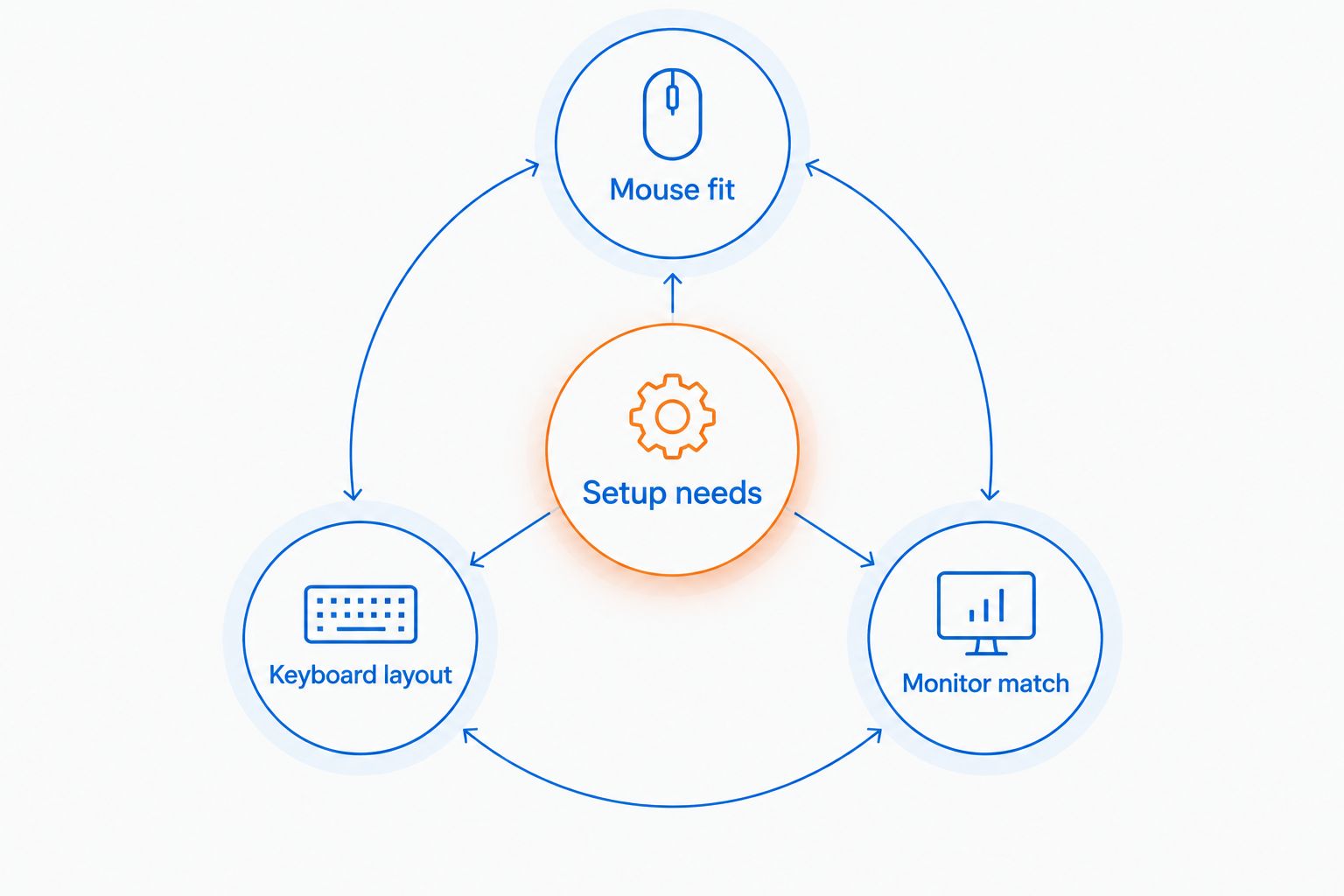
These products illustrate different upgrade paths rather than a bundle you need to buy together. Choose the item that addresses a real limitation in your current setup, and leave the rest off the shopping list.


2. Micro Center: best for in-person PC component shopping
Micro Center is a computer-focused retailer with physical stores. Choose this route when your purchase involves comparing PC parts and you want a store visit to be part of the decision.
The distinction is the shopping format and focus, not a promise that a staff recommendation replaces compatibility checks. Bring the exact motherboard, processor, case, and power supply details relevant to your upgrade.
Where Micro Center shines
- PC-focused shopping: Its computer retail focus fits component-led purchases.
- Physical comparison: A store visit gives you an in-person route rather than relying entirely on listings.
- Upgrade planning: You can organize the purchase around the existing machine rather than an isolated component name.
Where Micro Center falls short
- Travel is part of the decision: The physical-store benefit only helps if visiting a store works for you.
- Compatibility remains your responsibility: A component category match is not confirmation that a particular part fits.
Head-to-head with Best Buy
| Dimension | Micro Center | Best Buy |
|---|---|---|
| Retail emphasis | Computers and related hardware | Broader consumer electronics |
| Strongest reason to visit | PC-focused shopping | Comparing gaming gear alongside other electronics |
| Before the visit | Prepare existing PC specifications | Identify the exact products you want to inspect |
Best for: PC builders and upgraders who want a computer-focused physical shopping trip.
Verdict: Buy when the store visit supports a specific parts decision; skip the trip when your purchase is already settled online.
3. Newegg: best for specification-led PC shopping
Newegg is an online retailer and marketplace associated with computer hardware. It belongs on your shortlist when you want to compare exact components or complete PC configurations.
Use model identifiers, not broad labels. Two computers described as gaming desktops can differ in graphics hardware, memory configuration, storage, and upgrade options.
Where Newegg shines
- Hardware-focused browsing: PC categories support a specification-led search.
- Exact-model comparison: A component model gives you a clear basis for comparing listings.
Where Newegg falls short
- Marketplace listings add a seller check: Confirm who sells the item and which terms apply.
- Specifications do not settle comfort: Online comparison cannot tell you how a headset or mouse feels.
For a 2026 PC purchase, save the full configuration you intend to order. Do not let a shared processor family or case photo stand in for matching every important component.
Best for: Buyers who already know the hardware details they need to compare.
Verdict: Buy after matching the configuration and seller; hold if the listing leaves important components unclear.
4. Amazon: best for exact-model marketplace searches
Amazon is a broad marketplace, making it another route when you already have a specific product model in mind. Start with the model identifier rather than a general search such as gaming mouse.
Where Amazon shines
- Cross-category shopping: Gaming accessories can be searched alongside unrelated household or gift purchases.
- Model-led searches: An exact identifier helps narrow a broad marketplace search.
Where Amazon falls short
- Similar names are not identical products: Check revision, connection type, and included accessories.
- Seller identity matters: Separate the product choice from the decision about who supplies it.
Best for: Shoppers checking a known model rather than asking a marketplace to choose the product for them.
Verdict: Buy only after checking the exact item and seller; skip listings that leave either unclear.
Why people switch from Best Buy
The reasons to consider alternatives are practical shopping needs, not a blanket problem with Best Buy. Use these decision points to decide whether expanding your search helps.
- You want a PC-focused store visit. Micro Center offers a computer-focused physical retail route.
- You are comparing component specifications. Newegg provides another hardware-focused online shopping route.
- You have an exact model to find. Amazon gives you a marketplace route, with the added responsibility of checking the seller.
- Your list spans gaming and desk accessories. A gaming-oriented online store gives you another place to compare those categories together.
Before switching, write down the product requirements that prompted the search. If another retailer does not satisfy those requirements more clearly, changing stores has not solved the buying problem.
When staying with Best Buy is the right call
Stay with Best Buy when an in-person comparison answers the question you actually have. For a mouse, that question might be hand fit. For a display, it might be whether the size works for your viewing position.
Check whether the relevant product can be examined before making the trip. A retailer having physical stores does not mean every model is demonstrated at every location.
Best Buy also remains a sensible option when you have already verified the exact item and the purchase terms meet your needs. An alternatives guide should expand your choices, not manufacture a reason to abandon a retailer that works for you.
FAQ
What's the best Best Buy alternative for gaming gear in 2026?
Gaming and More is a strong fit for online shoppers comparing gaming computers, peripherals, and everyday setup accessories. Micro Center fits a different need: PC-focused shopping in a physical store.
Is Micro Center better than Best Buy for PC upgrades?
Micro Center is the more PC-focused shopping route. Choose it when a computer-focused store visit helps your upgrade decision, and still verify the exact component compatibility.
Is Newegg a good alternative for a gaming PC?
Newegg is a useful alternative for comparing complete PC specifications. Match the graphics hardware, processor, memory, storage, and seller rather than relying on the gaming PC label.
Should I buy gaming accessories from Amazon?
Amazon is an option when you can identify the exact model and verify the seller. Check the revision, connection type, and included accessories before deciding that listings are equivalent.
How much do Best Buy alternatives charge for gaming gear?
There is no single retailer-wide figure for gaming gear. Compare current listings for the exact same model and configuration, then check delivery terms and any applicable charges.
Can I order gaming gear for delivery outside the US?
Gaming and More describes its store as offering worldwide shipping. Check the destination details and order terms for your specific purchase before ordering.
Does a 165Hz monitor guarantee 165 frames per second?
No. A 165Hz refresh rate describes the display, while game frame rate depends on your system, game, settings, and other conditions.
When should I stick with Best Buy instead of switching?
Stick with Best Buy when inspecting a product in person resolves your buying question or its verified purchase terms suit you. Switching retailers is useful only when it improves the fit for your specific purchase.
One last thing
Before completing a 2026 order, copy the full model name into a note and list the connection, layout, or configuration you need beside it. This simple check catches a common comparison mistake: treating products with similar names as interchangeable.
Buy the right specification from a suitable seller—not the retailer name alone.


