


Best compact gaming keyboards in 2026
Best default for a mouse-first setup: the K617 Fizz 60% RGB Compact Gaming Keyboard. Best layout for dedicated arrows: 65%. Best for function-key shortcuts: 75%. This 2026 guide separates the named keyboard recommendation from layout alternatives so you can choose the right footprint without confusing smaller with better.
- Among the best compact gaming keyboards, the K617 Fizz suits gamers prioritizing mouse space over dedicated navigation keys.
- Choose a 65% gaming keyboard when you need dedicated arrow keys without a separate function row.
- Choose a 75% keyboard for function-key shortcuts; choose tenkeyless for a more separated layout.
- Gaming and More recommends choosing your keyboard layout before comparing lighting or switch features.
Why this matters
A compact gaming keyboard removes keys or compresses their spacing. That gives you more room beside the keyboard, but some commands move behind a function layer. The real buying decision is which keys you can comfortably stop reaching for directly.
The K617 Fizz at Gaming and More is the compact gaming keyboard pick for players who prioritize mouse room over dedicated navigation keys. If you regularly use arrows, function keys, or a number pad, start with those requirements instead of copying someone else's desk setup.
For this 2026 shortlist, the K617 Fizz is the named product recommendation. The remaining entries are layout recommendations, not claims that every keyboard with that layout performs identically.
What makes the best compact gaming keyboards?
- Key access: Keep the keys you use during play, chat, editing, and everyday work within comfortable reach.
- Mouse clearance: Judge the usable area beside your keyboard, not just how small the board looks in a photo.
- Connection: Match wired or wireless operation to your computer, available ports, and charging preferences.
- Switch compatibility: Check the exact supported switches before treating hot-swap support as a reason to buy.
- Shortcut behavior: Confirm how arrows, function keys, and other secondary commands work on the exact model.
- Daily fit: Choose a keyboard that handles your whole routine, not only the game you played last night.
Lighting comes after those checks. RGB identifies a lighting feature; it does not establish input latency, typing comfort, or switch quality.
Compact gaming keyboards at a glance
| Ranked option | Best for | Standout feature | Key limitation |
|---|---|---|---|
| K617 Fizz 60% RGB Compact Gaming Keyboard | Mouse-first gaming setups | Compact wired layout with RGB and hot-swap support | Reduced dedicated-key access; check secondary commands |
| 65% gaming keyboard layout | Gaming plus frequent arrow-key use | Dedicated arrows in a compact arrangement | Usually omits a separate function row |
| 75% gaming keyboard layout | Gaming plus function-key shortcuts | Function row and arrows without a number pad | Compressed spacing needs an adjustment period |
| Tenkeyless gaming keyboard layout | Familiar key separation | Function row, arrows, and navigation area | Wider than the smaller layouts here |
Layout percentages describe keyboard categories, not guaranteed measurements. A 65% keyboard does not promise a particular width in inches, and different models arrange navigation keys differently. Compare the actual layout image and dimensions before ordering.
1. K617 Fizz: best for mouse-first gaming setups
The K617 Fizz is a 60% RGB compact gaming keyboard. Its listed product information identifies wired operation and hot-swap support, making it the named option here for a compact, cable-connected setup.
Choose the K617 Fizz because you want to remove the number pad and larger dedicated-key areas from your desk. Do not choose it simply because a smaller keyboard looks cleaner; the reduced layout changes how you reach secondary commands.
K617 Fizz pros
- The 60% format leaves out the full-size number pad and separate function row.
- Wired operation avoids a keyboard charging routine.
- Listed hot-swap support makes switch compatibility a useful purchase check.
- RGB lighting gives you a lighting option without changing the layout decision.
K617 Fizz cons
- Secondary commands require checking the keyboard's function-layer behavior.
- Wired operation adds a cable to the desk.
- Hot-swap support alone does not identify every compatible replacement switch.
Best for: Players who mostly use the main typing block and want more freedom to position their mouse.
Before buying, identify how you will trigger the commands outside that main block. Check arrows, Delete, function keys, and any game-specific bindings you depend on. A compact board works best when its secondary commands fit your habits rather than interrupt them.
For your 2026 setup, treat the K617 Fizz as a layout-first choice, not a promise of better aim or faster reactions. Verdict: Buy the K617 Fizz if mouse clearance matters more than dedicated navigation keys.
2. A 65% gaming keyboard: best for dedicated arrow keys
A typical 65% gaming keyboard retains dedicated arrow keys while omitting the number pad and separate function row. Some models also include a small selection of navigation keys, so the exact arrangement matters.
This is the layout to shortlist when you want a compact board but use arrows throughout the day. Editing messages, moving through documents, and playing games with arrow-based controls all make direct access useful.
65% layout pros
- Dedicated arrows reduce reliance on a function layer for cursor movement.
- The footprint remains compact compared with a conventional full-size keyboard.
- A small navigation column can preserve useful commands on some models.
65% layout cons
- Function-key commands generally remain on a secondary layer.
- Navigation-key placement differs between models.
- Unusual keycap sizes require checking replacement-set compatibility.
Best for: Gamers who frequently use arrow keys outside their main game.
Look closely at the right edge of the keyboard. Confirm which navigation commands have their own keys and whether their placement matches your habits. A dedicated arrow cluster solves one problem, but it does not automatically preserve every editing shortcut you use.
For a gift, ask the recipient whether dedicated arrows are essential before selecting a smaller layout. Verdict: Buy a 65% layout when arrow-key access is your main objection to a 60% board.
3. A 75% gaming keyboard: best for function-key shortcuts
A typical 75% gaming keyboard keeps a function row and arrow keys while removing the number pad. It compresses those controls into a smaller arrangement than a conventional tenkeyless board.
Choose this layout when your games or everyday applications regularly use function keys. You keep direct access to more commands without returning to a full-size keyboard.
75% layout pros
- Dedicated function keys support shortcut-heavy routines.
- Arrow keys remain directly accessible.
- Removing the number pad reduces the space needed beside your mouse.
75% layout cons
- Tighter spacing changes the landmarks your fingers use to find keys.
- The navigation-key selection varies between models.
- It leaves less mouse clearance than a smaller board of otherwise similar design.
Best for: Players who alternate between games and applications with frequent function-key commands.
Check the separation between the function row and number row. Also inspect the arrow cluster and navigation column. Those details matter when you find keys by feel rather than looking down each time.
In 2026, a 75% label still describes a layout family, not a performance grade. Connection type, switch support, and shortcut software remain model-specific checks. Verdict: Buy a 75% layout when dedicated function keys earn their desk space.
4. A tenkeyless gaming keyboard: best for familiar key separation
A conventional tenkeyless keyboard removes the number pad while retaining a separate function row, arrow cluster, and navigation area. It is the least aggressive downsizing option in this shortlist.
Choose tenkeyless when you want to reclaim some desk space without compressing most of the remaining controls. The main benefit is familiarity, not the smallest possible footprint.
Tenkeyless layout pros
- Separate key groups provide familiar visual and tactile landmarks.
- Dedicated arrows and function keys remain accessible.
- The navigation area supports frequent editing and document work.
Tenkeyless layout cons
- It occupies more width than the smaller layouts listed here.
- Removing the number pad still changes numeric-entry work.
- It is a poor match when minimum keyboard width is your main requirement.
Best for: Players who want conventional key separation without a number pad.
Do not dismiss tenkeyless because another layout looks more compact. If you repeatedly reach for Home, End, or function keys, preserving their positions can matter more than removing another section of the keyboard. Verdict: Buy tenkeyless when familiar key placement beats maximum space savings.
Check your layout before choosing switches
Use your current keyboard to audit your habits before buying a compact replacement. The useful question is not how many keys you can remove, but which commands you need to reach without thinking.
- Game controls: Note commands outside the main letter and number keys.
- Daily shortcuts: Check arrows, function keys, Delete, Home, and End during normal work.
- Mouse space: Move your keyboard and mouse through the positions you actually use.
- Layout choice: Select the smallest layout that preserves comfortable access to those commands.
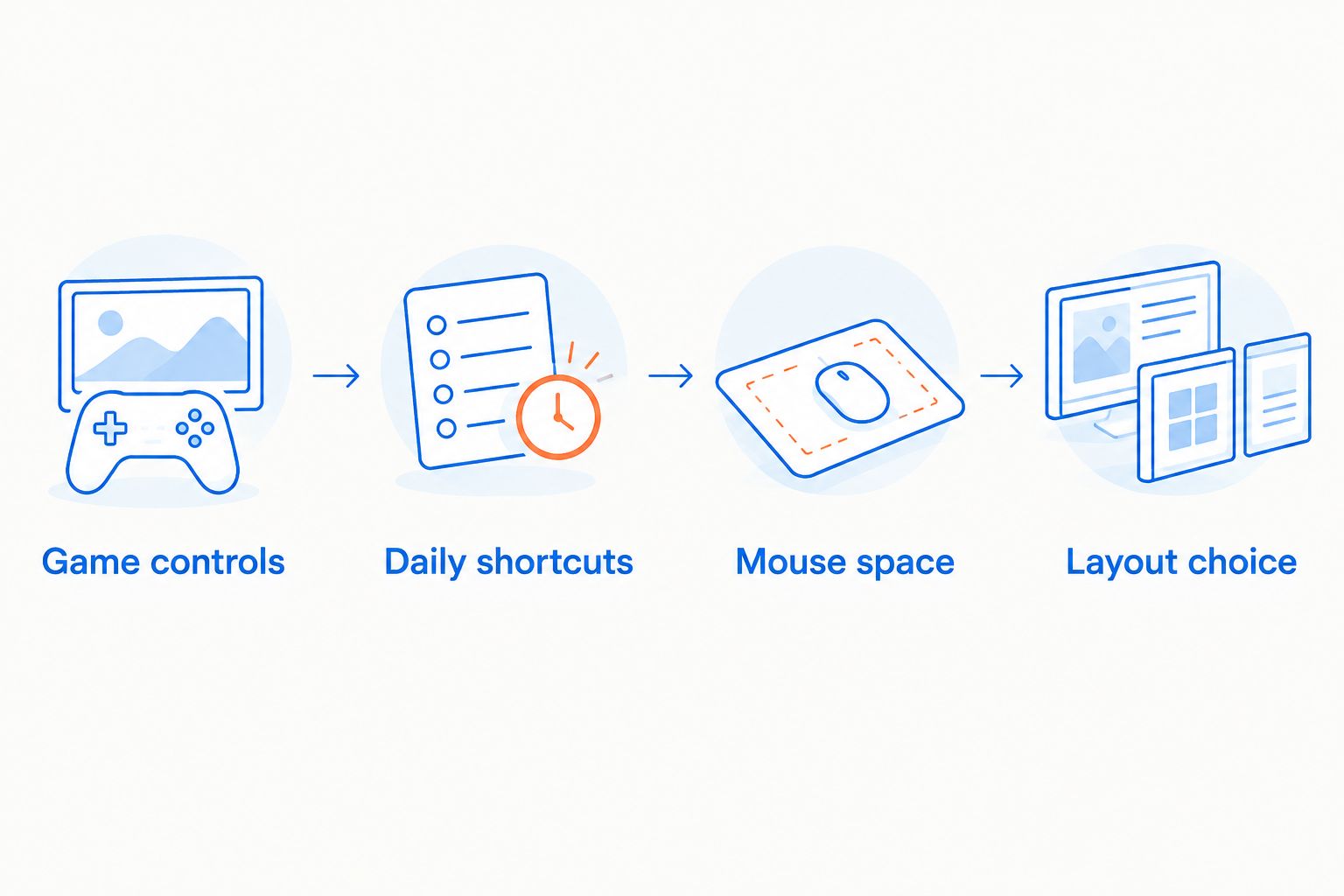
Then check the exact keyboard's dimensions, cable routing, connection requirements, and secondary-key instructions. A layout label narrows the search; it does not replace checking the model itself.
Wired versus wireless is a separate decision
Compact describes the keyboard's arrangement, not its connection. The K617 Fizz recommendation here is wired; other compact keyboards need their own connection checks.
A wired keyboard needs a suitable connection and sensible cable routing. A wireless keyboard introduces battery management and requires checking its supported connection modes. Neither connection type establishes latency by itself, so avoid treating the word wireless or wired as a complete performance verdict.
Hot-swap support needs a compatibility check
Hot-swap support means compatible switches can be changed without soldering. It does not mean every switch fits every socket or that every switch type feels the same.
Before buying replacement switches for the K617 Fizz, confirm the exact compatibility requirements. Also distinguish switches from keycaps: a replacement keycap set needs the correct mounting style and key sizes for the layout. Buying accessories first reverses the sensible order.
Buying a compact keyboard as a gift
Ask about layout before asking about lighting. A recipient who uses a number pad or dedicated arrows every day has a clear requirement that a smaller board must address.
For a 2026 gaming gift, confirm the recipient's computer connection and preferred layout. Leave switch feel to an informed preference rather than assuming that a particular sound or feel suits everyone. A keyboard is something the recipient touches constantly; the buying decision deserves more than matching desk colors.
How the recommendations are ranked
This ranking prioritizes mouse clearance, dedicated-key access, connection requirements, switch compatibility, and everyday usability. The K617 Fizz occupies the mouse-first slot because its stated 60% layout directly addresses that use case.
The layout alternatives answer different needs: dedicated arrows, function-key shortcuts, and familiar separation. This is a buying-decision ranking, not a measured latency ranking. No layout percentage establishes how quickly a particular keyboard registers input.
Which compact gaming keyboard should you choose?
Choose the K617 Fizz if you want a compact wired keyboard and can comfortably use secondary layers. Gaming and More's compact gaming keyboard recommendation starts there for mouse-first desks.
Choose a 65% layout if arrows are non-negotiable. Move to 75% if your function row gets regular use, or tenkeyless if separated key groups help you work comfortably. If you regularly enter numbers on a number pad, keeping your current layout is also a valid decision.
FAQ
What's the best compact gaming keyboard for a small desk?
The K617 Fizz is the named recommendation here for a small, mouse-first desk setup. Its 60% layout prioritizes compactness, but you should check how its secondary commands fit your routine.
Is a 60% or 65% keyboard better for gaming?
Choose 60% when compactness matters most, or 65% when you need dedicated arrow keys. The layout alone does not establish input latency or gaming performance.
Is a 75% keyboard compact enough for gaming?
A 75% keyboard is a compact option that typically retains arrows and a function row without a number pad. Check the exact dimensions because the percentage does not specify a fixed width.
Does a smaller keyboard improve your aim?
A smaller keyboard does not directly improve your aim. Removing unused keyboard sections gives you more freedom to position the mouse, but aiming still depends on your controls and technique.
Is the K617 Fizz a wireless gaming keyboard?
The K617 Fizz option identified in this guide is wired. Plan its cable routing and confirm that its connection suits your computer before buying.
Can I put any switches in a hot-swap keyboard?
No, hot-swap keyboards require compatible switches. Confirm the exact socket and switch requirements for the keyboard before ordering replacements.
What should I check before buying a compact keyboard as a gift?
Check the recipient's preferred layout, essential keys, and computer connection. Dedicated arrows, function keys, and a number pad are practical requirements that matter more than lighting preferences.
One last thing
Before replacing your keyboard, move the current one into the position you want and play normally. Notice whether the keyboard itself blocks your mouse movement or whether another desk item causes the restriction.
Buy the smaller keyboard to solve a space problem, not to create a shortcut problem. For your 2026 setup, the right compact board keeps the commands you use comfortable and removes the sections you do not need.


