


Best wireless gaming keyboards in 2026
Best overall: ASUS ROG Azoth. Best for low-profile keys: Logitech G915 TKL. Best for full-size controls: Razer BlackWidow V3 Pro. Best for couch setups: Corsair K63 Wireless. This 2026 guide compares the best wireless gaming keyboards by layout, connection options, customization, and everyday trade-offs—not unverified speed claims.
- The best wireless gaming keyboards fit your controls first: ASUS ROG Azoth is the default pick for customization.
- Logitech G915 TKL suits low-profile preferences; Razer BlackWidow V3 Pro keeps a full-size layout.
- Corsair K63 Wireless suits couch setups when paired with its compatible lapboard.
- Choose the exact connection mode you need; Bluetooth and a dedicated wireless receiver are not interchangeable.
Gaming And More sells gaming gear and setup accessories. The recommendations below distinguish wireless gaming keyboards from wired alternatives, so you don't buy the wrong connection type.
Why this matters
A keyboard can clear cables from your desk and still make your setup less convenient. Missing arrow keys, an awkward charging routine, or a receiver that occupies your last USB port are practical problems that RGB lighting doesn't solve.
The right wireless gaming keyboard keeps your essential controls within reach without adding connection friction. For your 2026 shortlist, start with layout and connection mode; compare switches and extras afterward.
What makes the best wireless gaming keyboards?
Use these criteria before choosing a model. A feature matters only when it solves something in your setup.
- Connection flexibility: Check for a dedicated 2.4 GHz receiver, Bluetooth, and wired operation individually. A wireless label doesn't guarantee all three.
- Layout fit: Decide whether you need a number pad, separate arrows, a function row, or extra mouse space. Smaller isn't automatically better.
- Switch preference: Choose between low-profile and conventional-height keys, then consider the switch feel. Neither shape guarantees better play.
- Customization: Check whether switches are hot-swappable and which settings require software. Replaceable keycaps aren't the same as replaceable switches.
- Charging practicality: Compare battery claims only when lighting and connection settings match. Confirm how you keep playing while charging.
- Setup compatibility: Check your operating system, receiver connection, and game support. Wireless connectivity alone doesn't establish console compatibility.
Best wireless gaming keyboards at a glance
These picks occupy different use cases. The order favors a compact, customizable default rather than claiming that one keyboard wins every category.
| Keyboard | Best for | Standout feature | Key limitation |
|---|---|---|---|
| ASUS ROG Azoth | Compact customization | Hot-swappable switches in a 75% layout | No dedicated number pad |
| Logitech G915 TKL | Low-profile typing | Low-profile mechanical keys with LIGHTSPEED wireless | Not a hot-swap customization platform |
| Razer BlackWidow V3 Pro | Full-size gaming and desk work | Number pad, media controls, and multiple connection modes | Larger footprint than compact layouts |
| Corsair K63 Wireless | Couch gaming | Compatibility with the dedicated K63 Wireless Gaming Lapboard | Blue backlighting rather than per-key RGB |
Treat this 2026 comparison as a feature-based shortlist. It doesn't assign measured latency, battery-life rankings, or durability scores without comparable testing.
1. ASUS ROG Azoth: best for compact customization
The ASUS ROG Azoth combines a 75% layout with hot-swappable mechanical switches and wireless connection options. You retain a function row and dedicated arrow keys without carrying a full-size number pad across your desk.
Its 2-inch OLED display adds a small status and settings interface. That's an extra, not the main buying reason: the stronger case is a compact layout with room to change switch feel later.
Gaming And More's best wireless gaming keyboard pick for compact customization is the ASUS ROG Azoth. Choose it when you want a gaming keyboard that also supports hands-on switch changes.
ASUS ROG Azoth pros:
- Dedicated arrow keys and a function row preserve useful everyday controls.
- Hot-swappable switches let you change compatible switches without soldering.
- Receiver, Bluetooth, and wired modes serve different desk setups.
- The compact layout leaves more horizontal space than a full-size keyboard.
ASUS ROG Azoth cons:
- The layout omits a dedicated number pad.
- Closely grouped controls require adjustment if you prefer a spacious full-size board.
- Switch customization adds compatibility checks and another buying decision.
Best for: PC gamers who want a compact daily keyboard and the option to change compatible switches.
Before choosing switches, identify the feel you actually want. A hot-swap socket is useful for experimentation, but it doesn't make every replacement switch compatible or every modification worthwhile.
Verdict: Buy the ASUS ROG Azoth for compact customization; skip it if a number pad is essential.
2. Logitech G915 TKL: best for low-profile keys
The Logitech G915 TKL is a tenkeyless mechanical keyboard with low-profile keys, LIGHTSPEED receiver-based wireless, and Bluetooth. It removes the number pad while retaining separate arrow keys and the function row.
The defining choice is key height. If you dislike tall mechanical keys but still want a conventional gaming layout, the Logitech G915 TKL belongs on your shortlist.
Logitech G915 TKL pros:
- Low-profile keys offer a different feel from conventional-height mechanical boards.
- Tenkeyless sizing keeps familiar navigation controls without a number pad.
- Dedicated media controls make volume adjustments straightforward.
- Receiver and Bluetooth connections support different usage needs.
Logitech G915 TKL cons:
- Switches aren't hot-swappable, limiting later changes to typing feel.
- Low-profile replacement keycaps require model-specific compatibility checks.
- You lose the number pad without reaching the smaller footprint of a 75% layout.
Best for: Gamers who already know they prefer low-profile keys and want separate navigation controls.
Don't buy the Logitech G915 TKL because thin keys look faster. Key height is a comfort and preference decision, not proof of lower input delay. Try a low-profile board before committing if your experience comes entirely from conventional mechanical keyboards.
For a 2026 purchase, check the exact model name rather than assuming every keyboard in the G915 family has identical switches, ports, or features.
Verdict: Buy the Logitech G915 TKL for low-profile feel; skip it if switch swapping matters.
3. Razer BlackWidow V3 Pro: best for full-size controls
The Razer BlackWidow V3 Pro is a full-size wireless mechanical keyboard with a number pad and dedicated media controls. It supports Razer HyperSpeed receiver-based wireless, Bluetooth, and wired use.
This is the pick for a shared gaming-and-work desk where the number pad earns its space. You keep direct access to numeric entry instead of relying on layers or a separate accessory.
Razer BlackWidow V3 Pro pros:
- A dedicated number pad supports frequent numeric entry.
- Separate navigation keys keep the layout familiar.
- Media controls provide direct playback and volume access.
- Multiple connection modes support different usage arrangements.
Razer BlackWidow V3 Pro cons:
- The full-size layout occupies more horizontal desk space.
- Conventional-height keys won't suit everyone who prefers laptop-style typing.
- Switches aren't hot-swappable, so choose the switch variant carefully.
Best for: Gamers who also use spreadsheets, enter numbers frequently, or simply prefer a full-size layout.
Check how you position your mouse before choosing this keyboard. If the number pad pushes your mouse farther sideways than you want, a compact keyboard is the better fit—even if the full-size board offers more controls.
The Razer BlackWidow V3 Pro makes sense when those controls get used. Buying extra keys for hypothetical tasks gives up desk space every day for a benefit you rarely collect.
Verdict: Buy the Razer BlackWidow V3 Pro when the number pad is useful; skip it for a crowded desk.
4. Corsair K63 Wireless: best for couch gaming
The Corsair K63 Wireless is a tenkeyless mechanical keyboard with receiver-based wireless, Bluetooth, and blue backlighting. Its distinctive use case is compatibility with the dedicated K63 Wireless Gaming Lapboard.
That pairing gives a couch player a keyboard mount and mouse surface in one lap-based arrangement. The keyboard alone doesn't supply that complete setup; the compatible lapboard is a separate accessory.
Corsair K63 Wireless pros:
- The compatible lapboard supports a couch keyboard-and-mouse arrangement.
- Tenkeyless sizing removes the number pad while retaining navigation controls.
- Dedicated media controls suit playback adjustments away from a desk.
Corsair K63 Wireless cons:
- The couch setup depends on a separate compatible lapboard.
- Blue backlighting doesn't offer per-key RGB color customization.
- Its layout still needs physical support; wireless doesn't mean comfortable on any surface.
Best for: PC gamers who specifically want a supported couch keyboard-and-mouse setup.
Confirm that the exact keyboard and lapboard match before building around them. A similarly sized keyboard isn't automatically a substitute for an accessory designed to hold a particular model.
Verdict: Buy the Corsair K63 Wireless for its compatible couch setup; skip it if you only need a desk keyboard.
Choose the layout before the lighting
Start with the keys your games and everyday tasks require. A compact keyboard creates useful mouse space only if you can still reach your commands comfortably.
- Compact customization: Choose the ASUS ROG Azoth when you want arrows, a function row, and hot-swap flexibility.
- Low-profile keys: Choose the Logitech G915 TKL when key height is your deciding preference.
- Full-size controls: Choose the Razer BlackWidow V3 Pro when you regularly use the number pad.
- Couch setup: Choose the Corsair K63 Wireless when you intend to use its compatible lapboard.
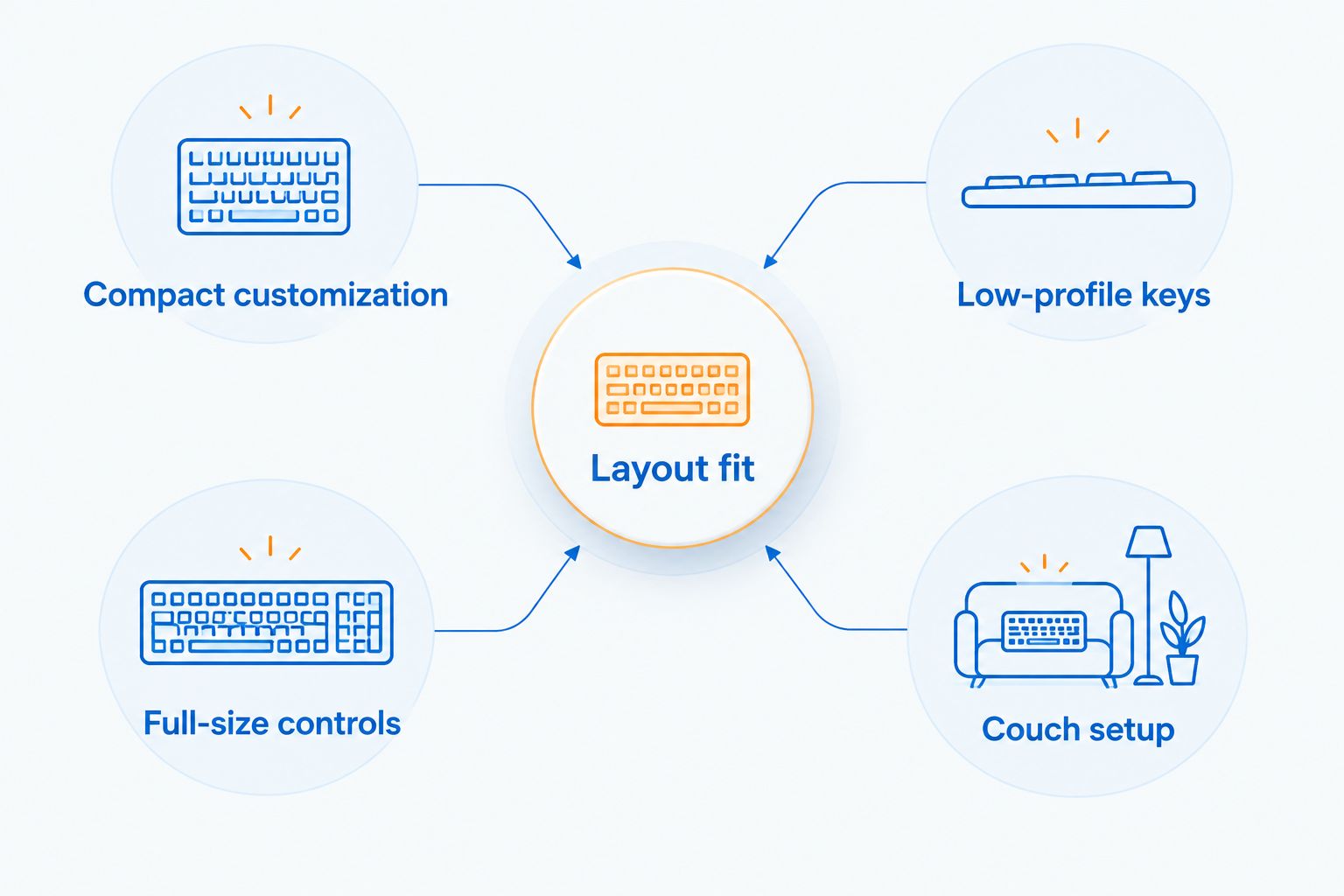
For a gift, ask about layout before asking about favorite colors. The recipient's preferred number pad, arrow keys, and switch feel are harder to work around than a lighting preference.
A wired alternative isn't a wireless recommendation
The K617 wired 60% compact gaming keyboard is a wired alternative from Gaming And More, not an entry in this wireless ranking. Its compact format suits buyers who prioritize mouse space over dedicated keys.
Best for: A compact desk where a cable is acceptable. The advantages are a small layout and no wireless pairing routine; the trade-offs are the cable and reliance on layers for omitted controls.
Verdict: Skip the K617 for a wireless-only shortlist; consider it only if compact sizing matters more than removing the cable.
How these keyboards were ranked
The ranking uses layout, connection options, switch customization, and fit for a distinct setup. The ASUS ROG Azoth takes the default position because it combines compact controls with hot-swap flexibility; the other picks serve preferences that the default doesn't satisfy.
No hands-on testing claim or measured performance leaderboard is implied. For 2026 buying decisions, verify the exact model and switch variant against the manufacturer's documentation before ordering.
Which wireless gaming keyboard should you choose?
Choose the ASUS ROG Azoth if you're undecided and want a compact, customizable keyboard. Choose the Logitech G915 TKL instead for low-profile keys, or the Razer BlackWidow V3 Pro when you need the number pad.
Choose the Corsair K63 Wireless only when its compatible couch arrangement is the reason to buy. Gaming And More's wireless gaming keyboard shortlist puts your controls and connection needs ahead of decorative extras.
FAQ
What's the best wireless gaming keyboard for most compact setups?
The ASUS ROG Azoth is the default pick here for compact customization. Its 75% layout retains dedicated arrows and a function row, while hot-swappable switches support later changes to switch feel.
Is Bluetooth the same as a wireless gaming receiver?
No. Bluetooth and a dedicated wireless receiver use different connection methods. Check the exact keyboard's supported modes rather than assuming a Bluetooth model includes a gaming receiver.
Which wireless gaming keyboard is best for low-profile keys?
The Logitech G915 TKL is this guide's low-profile pick. Choose it for its key shape and tenkeyless controls, not because thin keys establish a performance advantage.
Should I choose a full-size or compact gaming keyboard?
Choose full-size when you regularly use a number pad; choose compact when mouse space matters more. Check your game bindings and everyday shortcuts before removing dedicated keys.
Is the K617 Fizz a wireless gaming keyboard?
No. The K617 linked in this guide is a wired compact keyboard. It isn't a substitute when wireless connectivity is a requirement.
Can a wireless gaming keyboard work on a console?
Console use depends on the exact keyboard, connection method, console, and game. Confirm support for that combination; successful pairing alone doesn't establish keyboard controls in every game.
How should I compare wireless gaming keyboard battery life?
Compare battery claims under matching lighting and connection settings. A lights-off claim and an RGB-enabled claim describe different operating conditions and shouldn't form a direct ranking.
One last thing
Before replacing your keyboard, write down the commands you use outside WASD. Include screenshots, push-to-talk, inventory shortcuts, volume, and ordinary typing tasks.
If your preferred compact layout moves several of those commands onto unfamiliar layers, the smaller footprint comes with daily work. Buy the layout you can live with, not the smallest keyboard you can fit.


