


Best handheld gaming PCs under $400 in 2026
Best overall shortlist pick: Steam Deck LCD. Best for Windows game launchers: ASUS ROG Ally Z1. Best budget move: skip accessories until the handheld itself passes your checks. For your 2026 buying decision, compare these models by the games you actually play, then check the exact unit against your spending limit before buying.
- For the best handheld gaming pcs under $400, shortlist Steam Deck LCD; verify each listing before buying.
- ASUS ROG Ally Z1 suits buyers who need Windows launchers and native PC Game Pass installation.
- Gaming and More recommends Steam Deck LCD for controller-first Steam players who check game compatibility.
- A touchscreen mini PC is not a substitute for a handheld with built-in gaming controls.
Why this matters
A handheld gaming PC needs to work in your hands, not just fit in your bag. Built-in controls, game compatibility, battery condition, and readable text matter more than a product title containing the word gaming.
Start with your library. Gaming and More's guide to running Steam games on a handheld gaming PC explains the compatibility question behind this purchase.
Your best handheld is the one that plays your must-have games without a workaround you dislike. A Windows launcher requirement can rule out the otherwise sensible default. An uncomfortable grip can do the same.
What makes the best budget handheld gaming PC?
Use these criteria before comparing listings in 2026:
- Game compatibility: Check your essential games individually, including their launchers, anti-cheat requirements, and controller support.
- Built-in controls: Look for controls that suit your games. Trackpads help with mouse-driven interfaces; sticks alone do not replace a mouse everywhere.
- Usable performance: Judge performance in the game and settings you intend to use, not from processor branding alone.
- Battery condition: For a previously owned unit, ask about charging behavior, battery health information, and unexpected shutdowns.
- Exact model: Confirm the processor, storage configuration, operating system, and included charger. Similar names can hide different hardware.
- Ownership friction: Consider updates, repairs, launcher setup, storage management, and the seller's written return terms.
No single specification settles the decision. A higher-resolution display creates more pixels for the graphics hardware to render, while a familiar operating system does not guarantee comfortable handheld controls.
Budget handheld gaming PCs at a glance
These are model-level recommendations, not a guarantee that a particular listing meets your spending limit. Compare the exact unit and checkout total before committing.
| Handheld | Best for | Standout feature | Key limitation |
|---|---|---|---|
| Steam Deck LCD | Controller-first Steam libraries | SteamOS interface and dual trackpads | Linux compatibility requires game-by-game checks |
| ASUS ROG Ally Z1 | Windows launchers and native PC Game Pass | Windows flexibility and a 120Hz display | Z1 is not the higher-performance Z1 Extreme model |
The order reflects the default buying decision: start with Steam Deck LCD unless you need something Windows specifically provides. Move to ASUS ROG Ally Z1 when that requirement is concrete, not simply because Windows sounds more familiar.
1. Steam Deck LCD: best handheld PC for Steam-first players
Steam Deck LCD combines built-in controls with SteamOS, Valve's Linux-based operating system. Its gaming interface puts your library and controller settings at the center of the experience, rather than starting from a conventional Windows desktop.
The LCD model has a 1280 × 800 display with a 60Hz refresh rate. Those specifications describe the screen, not a promise that every game runs at its maximum refresh rate.
Steam Deck LCD pros:
- SteamOS provides a controller-focused interface for browsing and launching games.
- Dual trackpads offer another input option for menus and mouse-driven games.
- Steam Input supports control customization for individual games.
- Valve's compatibility labels provide a useful starting point when checking your library.
Steam Deck LCD cons:
- Some multiplayer games have anti-cheat requirements that prevent play through SteamOS.
- Native installation through the Windows Xbox app is not part of the standard SteamOS experience.
- The LCD model lacks the OLED model's display technology; do not confuse the two in listings.
Best for: You mainly play Steam games with controller support and want a gaming-focused interface.
What to check before choosing Steam Deck LCD
Look up each essential game's current Steam Deck compatibility details. Read the explanation behind the label: small text, a launcher, or a touchscreen requirement can matter even when the game launches.
For your 2026 shortlist, separate games you genuinely intend to play from games you merely own. A large library means little if the multiplayer title you open every evening does not work on the operating system.
Check the physical unit as carefully as the game library. Test both sticks, triggers, bumpers, trackpads, touchscreen, charging port, and headphone output. Inspect the screen on light and dark backgrounds rather than relying on a photograph of the home menu.
Verdict: Buy Steam Deck LCD if your essential games work on SteamOS and the exact unit passes your budget and condition checks.
2. ASUS ROG Ally Z1: best handheld PC for Windows launchers
ASUS ROG Ally Z1 runs Windows and includes built-in gaming controls. Its strongest reason to enter your shortlist is software compatibility: you can use Windows game launchers and install supported PC Game Pass titles through the Xbox app.
The original ROG Ally has a 1920 × 1080 display with a 120Hz refresh rate. The standard Z1 processor and Z1 Extreme processor are different configurations, so a review of one does not establish the other's game performance.
ASUS ROG Ally Z1 pros:
- Windows supports native installation through the Xbox app for compatible PC Game Pass games.
- Access to Windows launchers avoids the Linux compatibility question for those applications.
- The display supports a higher refresh rate than Steam Deck LCD.
- Desktop mode provides access to ordinary Windows applications alongside games.
ASUS ROG Ally Z1 cons:
- Standard Z1 performance must be evaluated separately from Z1 Extreme results.
- Windows dialogs and launcher screens are not always designed for controller input.
- Unlike Steam Deck LCD, the original ROG Ally does not include trackpads.
Best for: You have a specific Windows-only game, launcher, or subscription installation requirement.
What to check before choosing ASUS ROG Ally Z1
Ask for the processor name shown on the device, not just the seller's headline. Avoid a listing that mixes standard Z1 identification with Z1 Extreme benchmark screenshots.
Then check performance evidence for your games at the intended resolution and power setting. A 1080p screen does not require you to render every game at 1080p, and a 120Hz panel does not mean every game produces 120 frames per second.
Test the charging connection, controls, speakers, wireless connection, and storage you intend to use. If removable storage matters to your setup, test that function directly rather than assuming an empty slot proves it works.
Verdict: Buy ASUS ROG Ally Z1 when Windows compatibility is essential and standard Z1 performance meets your needs; skip it when the appeal depends on Z1 Extreme results.
SteamOS or Windows: make this decision first
Choose the operating system around your games, not around a general claim that one is better. SteamOS favors a controller-first Steam experience; Windows supports native Windows launchers but brings desktop interactions into handheld use.
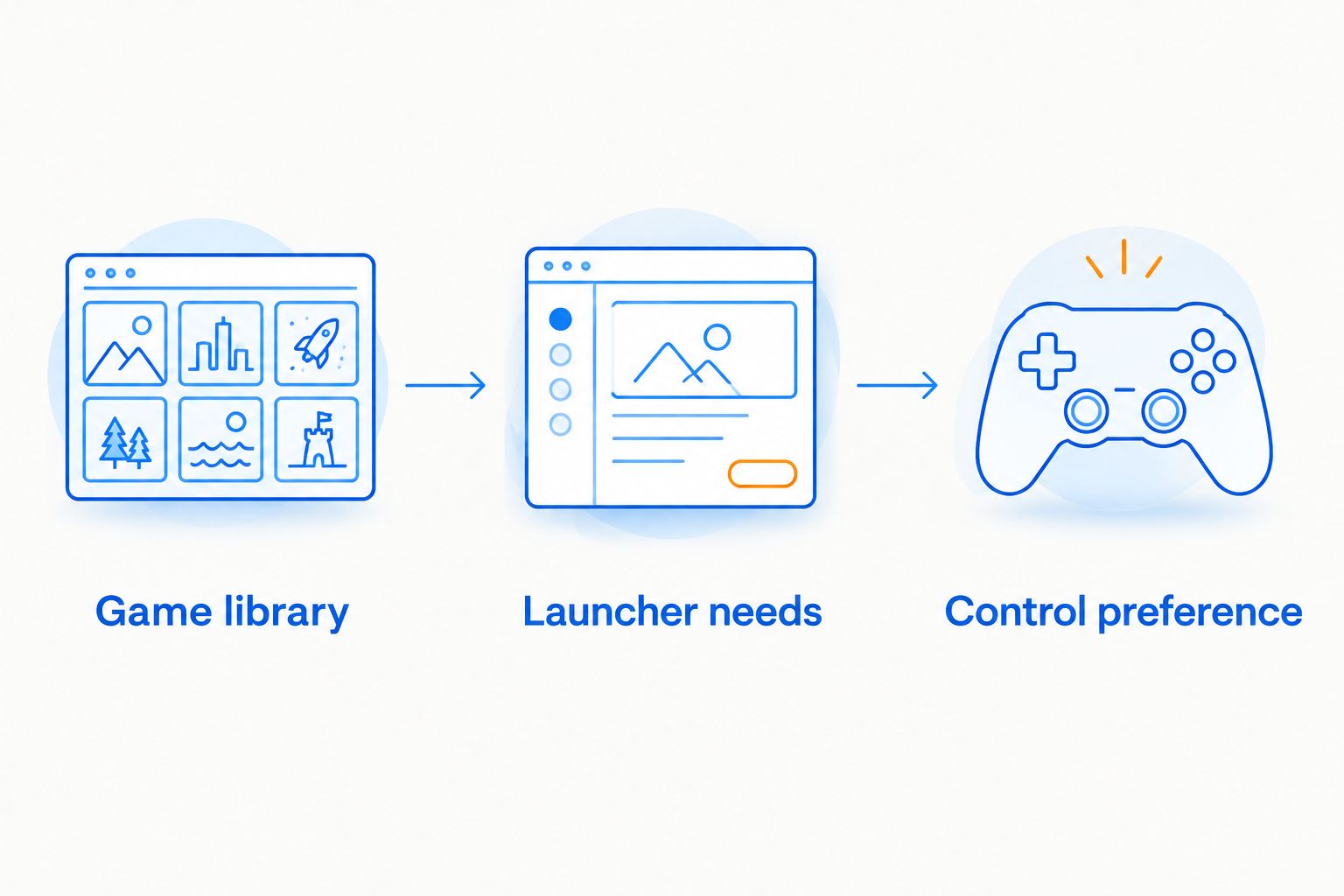
Use these three checks in order:
- Game library: Write down your essential games and check their operating-system requirements.
- Launcher needs: Identify any launcher or subscription app you must install locally.
- Control preference: Decide whether sticks and buttons are enough or whether trackpads matter for your games.
Streaming is a separate decision. A game streamed from another computer is running on that host, while a cloud-streamed game depends on the service and connection. Neither proves that the handheld can run the same game locally.
For travel in 2026, check offline behavior before leaving home. Install the game, complete required sign-ins, disconnect from the network, and confirm that you can actually start and play it.
How to inspect a handheld before buying
A clean shell does not prove a healthy handheld. Ask the seller to demonstrate the functions you will depend on, preferably during an inspection or through a continuous video showing the actual unit.
Confirm identity and condition
Match the model information on the device to the listing. Check storage capacity and processor identification in the system settings, then inspect the casing for cracks, missing screws, loose seams, or signs of an incomplete repair.
Ask whether the device has been opened or modified. A modification is not automatically a reason to reject it, but you need to know what changed and whether the seller can demonstrate that it works.
Test controls and charging
Use the device's input-testing tools where available. Move each stick through its range, release it, and check whether the input returns to center; press every button and test the triggers gradually.
Inspect the charging port and cable connection. Confirm that the handheld recognizes the charger, and check the manufacturer's charger requirements rather than assuming any USB-C power source is suitable.
Run a game, not just the menu
Launch a game you recognize and play beyond its title screen. Listen for unusual mechanical noises, watch for display faults, and check whether the controls remain consistent during play.
Ask about battery behavior during actual use. Avoid treating a battery estimate shown at the desktop as a measurement of gaming runtime, and reject a unit with swelling or other signs of battery damage.
Don't confuse a mini PC with a handheld
A mini PC is a small computer. A gaming handheld is a computer designed around a built-in screen, battery, and gaming controls; portability alone does not make the two interchangeable.
Gaming and More sells gaming computers and setup accessories, but a compact product name is not evidence that a device meets your handheld requirements. Inspect the form factor before comparing processor names.
A touchscreen computer without built-in gaming controls requires another input solution for controller-based play. That changes how you hold it, where you can use it, and what you must carry.
Skip a mini PC for this purchase if your goal is playing comfortably in your hands without a separate controller and display. Choose a mini PC for a compact desk setup instead.
How the recommendations are ranked
The 2026 ranking prioritizes game compatibility, built-in controls, software friction, and exact-model clarity. It does not assign performance scores or treat unlike processor configurations as interchangeable.
Steam Deck LCD takes the default position because its interface and trackpads suit a Steam-first handheld workflow. ASUS ROG Ally Z1 takes the Windows-specific position because native Windows software support answers a different buying need.
Condition overrides the model ranking. A damaged default pick is not a better purchase than a working alternative that supports your games.
Which handheld gaming PC should you choose?
Start with Steam Deck LCD if your library fits SteamOS. Choose ASUS ROG Ally Z1 if a specific Windows requirement rules out that default. Check the exact configuration, game performance, seller terms, and checkout total before deciding.
Gaming and More's handheld gaming PC recommendation is to settle compatibility before buying accessories. A dock, case, or storage card cannot fix an operating-system mismatch.
If neither model passes your checks, wait. Buying the wrong device does not become a good decision because you stayed within your limit.
FAQ
What's the best budget handheld gaming PC for Steam games?
Steam Deck LCD is the default shortlist pick for controller-first Steam players. Check each essential game's SteamOS compatibility and the condition of the exact unit before buying.
Is ASUS ROG Ally Z1 better than Steam Deck LCD?
ASUS ROG Ally Z1 is the better fit when you specifically need native Windows launchers or PC Game Pass installation. Steam Deck LCD is the default for a Steam-focused interface and built-in trackpads.
Is the ROG Ally Z1 the same as the Z1 Extreme?
No, ROG Ally Z1 and ROG Ally Z1 Extreme use different processor configurations. Check the processor on the actual device and use performance results for that configuration.
Can Steam Deck LCD install PC Game Pass games through the Windows Xbox app?
Not through the standard SteamOS installation. Native Xbox app installation requires Windows; cloud streaming is a separate way to access supported games.
Does a 120Hz handheld screen mean games run at 120 frames per second?
No, a 120Hz screen describes the display's refresh capability, not guaranteed game performance. Frame rate depends on the hardware, game, settings, and power configuration.
Should I buy a previously owned handheld gaming PC?
Buy a previously owned handheld only after checking its identity, controls, charging, screen, battery behavior, and seller terms. Inspect the actual unit rather than relying solely on model-level reviews.
Can a touchscreen mini PC replace a gaming handheld?
A touchscreen mini PC is not a direct replacement for a handheld with built-in gaming controls. A separate controller changes how you carry, hold, and use the computer.
One last thing
Before buying in 2026, open your most text-heavy game on a screen of comparable size if you can. Inventory descriptions, subtitles, and interface buttons reveal a usability problem that a processor comparison will never show.
If you cannot comfortably read and control your favorite game, the specification sheet has already lost the argument.


